The Ultimate Web Design & Development Toolstack: 80+ Essential Picks
Open any modern app, whether it’s a banking dashboard, an e-commerce store, or a SaaS platform, and you’ll notice how much is happening beneath the surface. Buttons respond instantly, transitions guide attention, and layouts adapt across devices without breaking the experience.
These aren’t just visual choices; they are the result of structured workflows where ideas move from rough wireframes to interactive prototypes, then through testing, iteration, and performance optimization before reaching users.
Today’s digital products are no longer designed for static screens.
Teams rely on a combination of tools to handle different layers of the process, planning user flows, building clickable prototypes, testing real interactions, and analyzing behavior after launch. For teams focused on improving conversion rates, adding free AB testing software into the workflow makes it easy to validate design decisions with real user data before committing to a final direction. Research consistently shows that even small improvements in usability can significantly impact engagement and conversion, which is why companies invest heavily in design and testing workflows rather than treating design as a final step.
This collection brings together UI/UX design, visual design, prototyping, animation, analytics, and development tools that support the entire process. Each tool plays a specific role, from shaping early concepts to refining real user interactions, helping teams create digital products that are not only visually polished but also functional, testable, and performance-driven.
UI/UX & Visual Design Tools
Think about the last time you used an app or website that just felt right, easy to navigate, visually pleasing, and effortless to use. That experience wasn’t accidental; it was carefully crafted using UI/UX and visual design tools. These tools empower designers to turn ideas into intuitive interfaces, structured layouts, and engaging visuals that guide users naturally through a digital product.
From rough wireframes to high-fidelity designs, they help bridge the gap between creativity and functionality, ensuring every screen not only looks good but also works seamlessly.
1. Figma
Figma is a collaborative, web-based platform primarily used for UI/UX design. It allows teams to brainstorm, design, and prototype digital products such as websites and mobile apps in real time.
Features include:
- Responsive design with Auto Layout and constraints
- Quick layout adjustments and reusable components
- Interactive prototyping with built-in animations
- Real-time collaboration and live editing
- Design systems for consistency and scalability
- Cloud-based access across devices
2. Adobe XD
Adobe XD is a vector-based design and prototyping tool for UI/UX, enabling designers to create interactive prototypes for websites and mobile apps. It allows for wireframing, high-fidelity mockups, and screen collaboration on Windows and macOS.
Key features include:
- Auto animation that creates smooth micro-interactions without coding
- Quickly repeat the grid
- Voice prototyping that designs voice-based user experiences
- Work with tools like Photoshop and Illustrator for a smooth workflow
3. Sketch
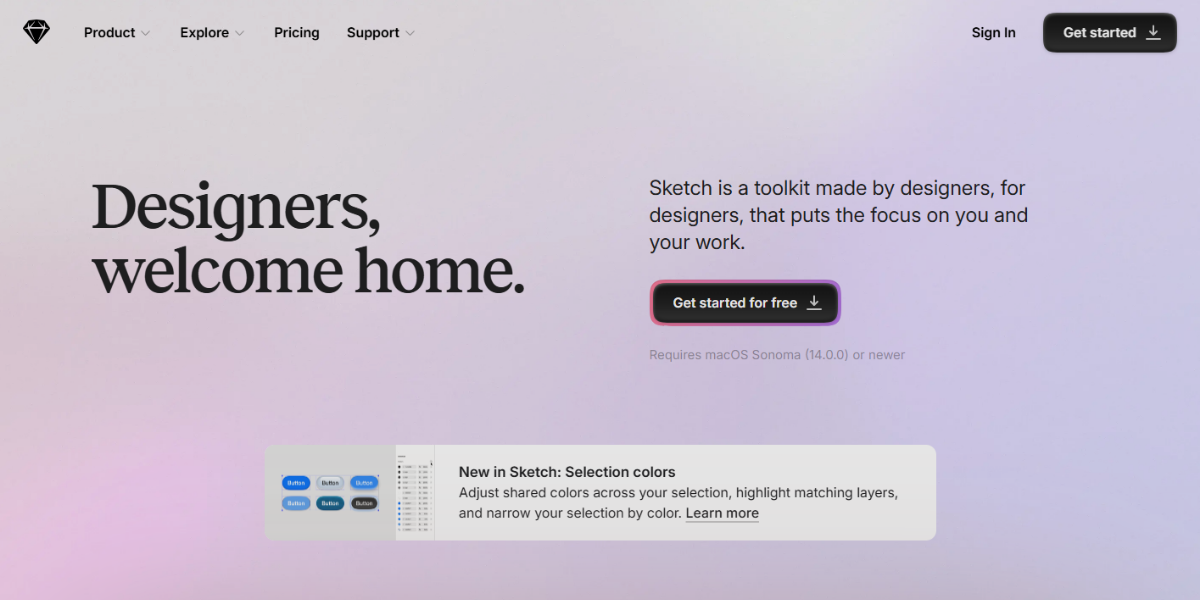
Sketch is a UI/UX design tool focused on product design workflows, known for its macOS-exclusive performance and strong design system capabilities. It combines precise vector editing with collaboration and developer handoff features.
- Collaborative web app for real-time design sharing
- Shared libraries for consistent design systems
- Powerful plugin ecosystem for automation and accessibility
- Optimized lightweight performance for macOS
4. Affinity Designer
Affinity Designer is a high-performance design tool that combines vector precision with pixel-level editing through its dual-Persona workflow, enabling seamless transitions between illustration and detailed UI refinement.
- It supports non-destructive editing and handles complex designs smoothly, making it suitable for pixel-perfect interface work without performance slowdowns.
- Its one-time purchase model also sets it apart from subscription-based alternatives.
5. Canva (Pro for UI design)
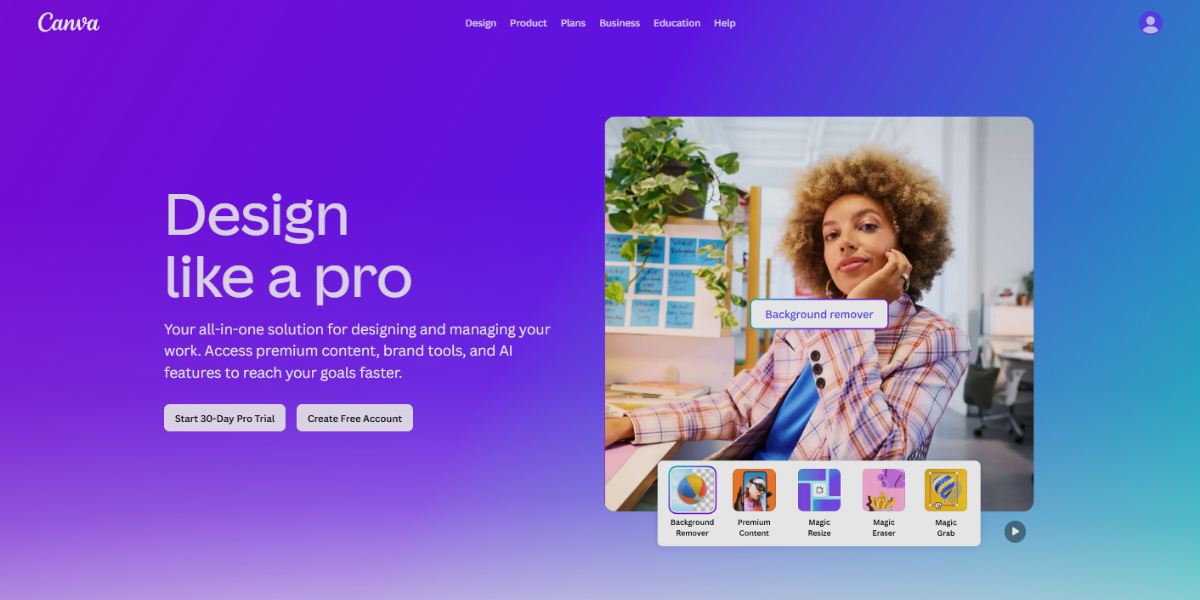
Canva (Pro for UI design) Pro for UI design) focuses on speed and accessibility, enabling quick UI creation with minimal technical effort. It is widely used for rapid mockups and presentation-ready designs.
- Drag-and-drop editor with ready-made UI templates, including mobile screens and landing pages.
- Brand Kit for consistent colors, fonts, and assets
- Magic Resize for adapting layouts across formats
- AI-assisted design suggestions for faster creation. To implement custom intelligence features like these directly into your own product, partnering with a specialized ai development agency can streamline the entire integration process.
- Built-in collaboration and commenting for quick feedback
6. Gravit Designer
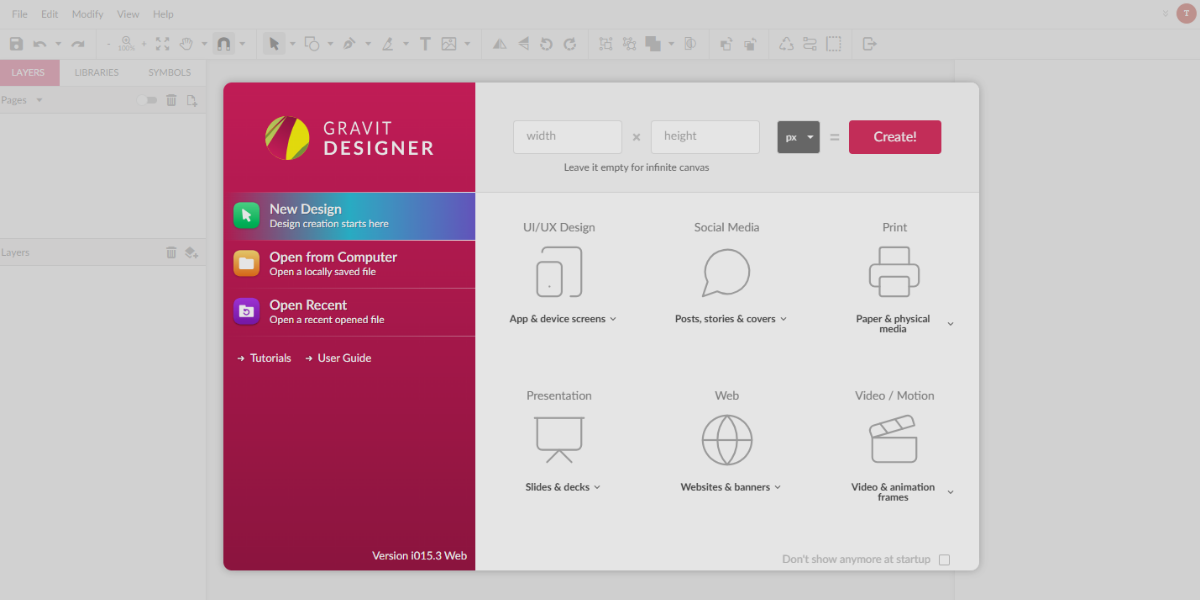
Gravit Designer is a lightweight vector design tool that runs both in the browser and as a desktop application, making it accessible across platforms without installation barriers.
It is built for clean, precise UI and web design work, offering an infinite canvas, strong SVG editing capabilities, and multi-page support for organizing complex layouts. Its minimal interface keeps the focus on efficiency and accuracy, making it ideal for designers who prefer a fast, flexible vector workflow without heavy system requirements.
7. CorelDRAW
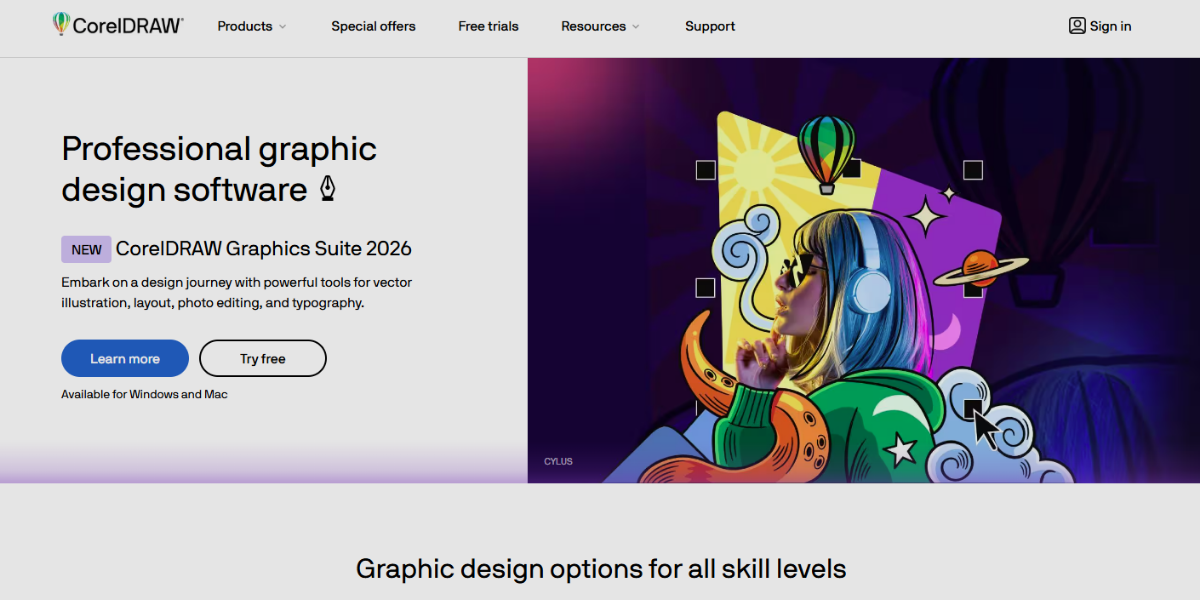
CorelDRAW is a professional vector illustration and page layout tool used for creating logos, UI elements, branding assets, and print-ready designs with high precision. It is widely used in both digital and print workflows due to its strong control over typography, layout, and vector shaping.
- PowerTRACE for converting raster images into editable vectors
- LiveSketch for natural, sketch-style drawing input
- Multi-page layout support for complex design projects
- Advanced typography tools for detailed text control
- Integrated raster editing via Corel PHOTO-PAINT
- Highly customizable workspace for specialized workflows
8. Adobe Illustrator
Adobe Illustrator is an industry-standard vector design tool used to create precise UI components, icons, illustrations, and scalable design systems for web and mobile interfaces. It offers precise control over vector shapes and paths, making it ideal for detailed interface and asset design.
- Artboards for designing multiple screens in one file
- Pen Tool and Shape Builder for accurate vector construction
- Global Edit for updating repeated elements instantly
- Recolor Artwork for fast theme and palette changes
- Deep integration with Adobe Creative Cloud tools
9. InVision (static visual design)
InVision is a prototyping and collaboration tool used to turn static UI designs into clickable, interactive prototypes for feedback and testing. It helps teams visualize user flows by linking screens and simulating navigation without code. It is effective for design communication and review, offering commenting, version tracking, and presenting prototypes in walkthroughs for stakeholders and clients.
10. Balsamiq (low-fidelity mockups)
Balsamiq is a rapid, low-fidelity wireframing tool designed to sketch interface ideas in a deliberately simple, hand-drawn style so teams can focus on structure rather than visuals. It is mainly used in the early stages of UX, where speed and clarity matter more than polish.
11. Moqups
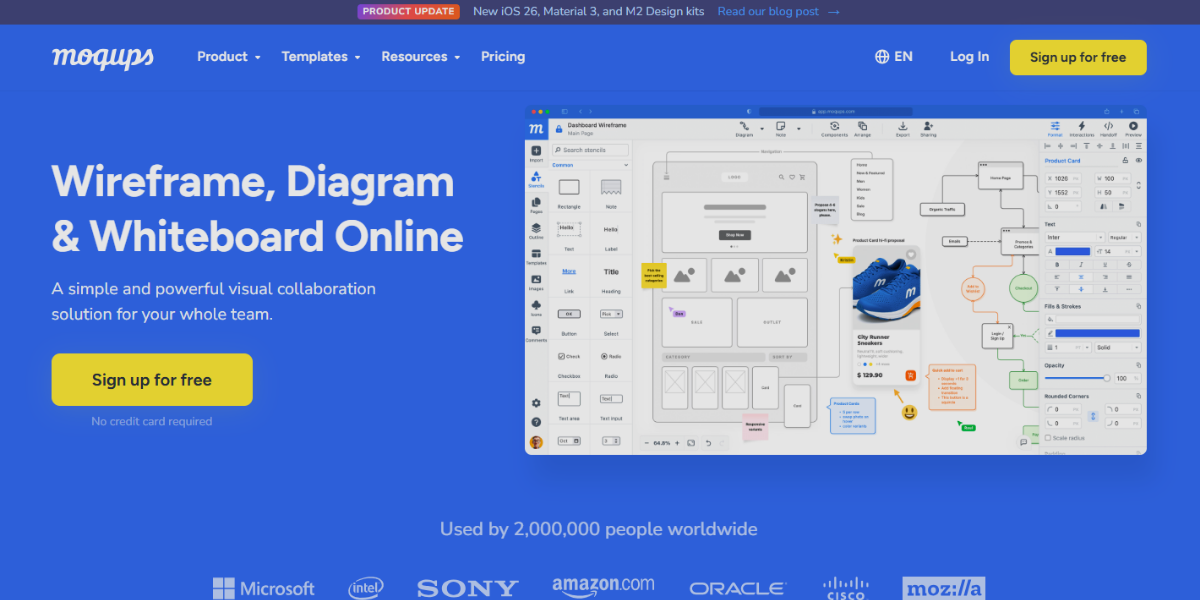
Moqups is a browser-based design workspace that brings wireframing, prototyping, and diagramming together for complete UX planning. It is especially effective for distributed teams, offering real-time collaboration, cloud storage, and easy sharing, making early-stage product planning and UX mapping more coordinated and accessible.
12. Axure RP
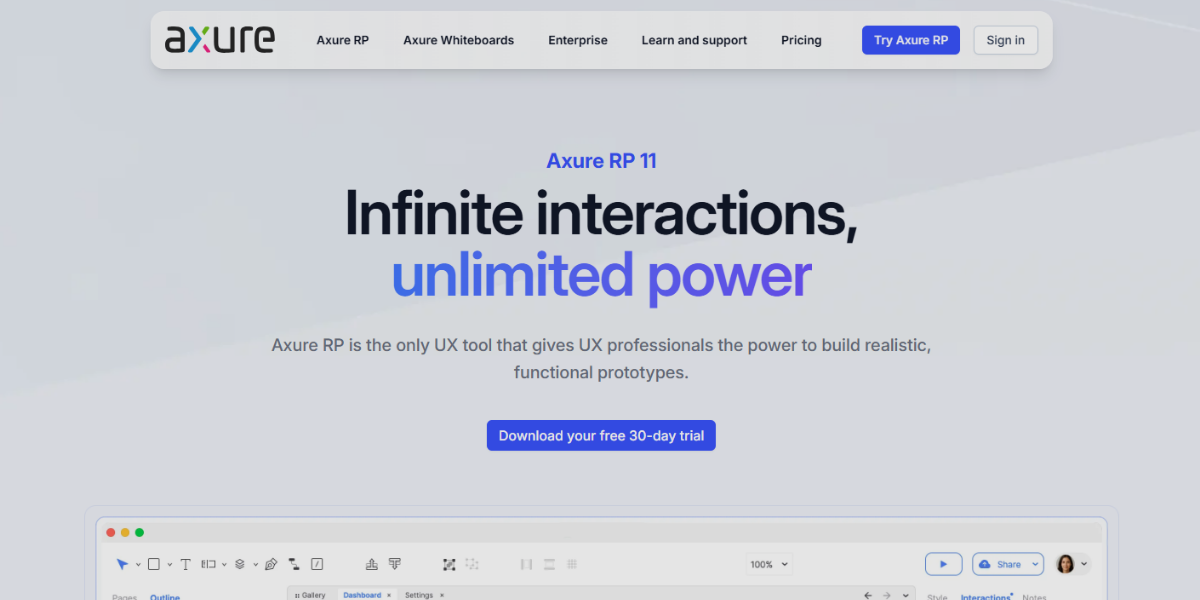
Axure RP is a high-fidelity UX prototyping and specification tool designed to build complex, logic-driven interactive prototypes that closely simulate real-world applications. It is widely used in enterprise environments where detailed interaction and documentation are required.
- Conditional logic and variables for dynamic user flows
- Dynamic panels for modals, tabs, and interactive UI elements
- Adaptive views for responsive multi-device layouts
- Data-driven interactions without coding
- Auto-generated documentation and specifications for handoff
13. Marvel (UI design focus)
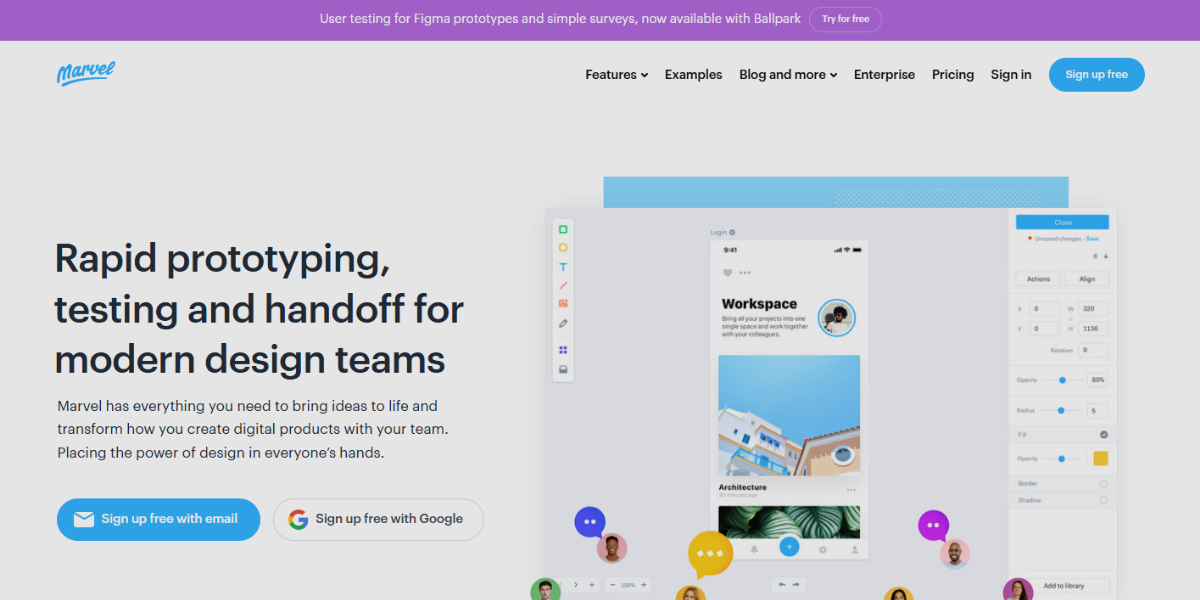
Marvel is a UI design and prototyping platform focused on rapid creation of interactive prototypes directly from static screens, making it ideal for turning sketches, images, or designs into clickable user flows. It emphasizes speed and simplicity, enabling designers to quickly turn sketches or mockups into prototypes.
Key features include:
- Hotspot linking for navigation
- Drag-and-drop for rapid prototyping
- Building real-time team collaboration
- User testing tools
- Integrations with design tools such as Sketch.
14. Proto.io
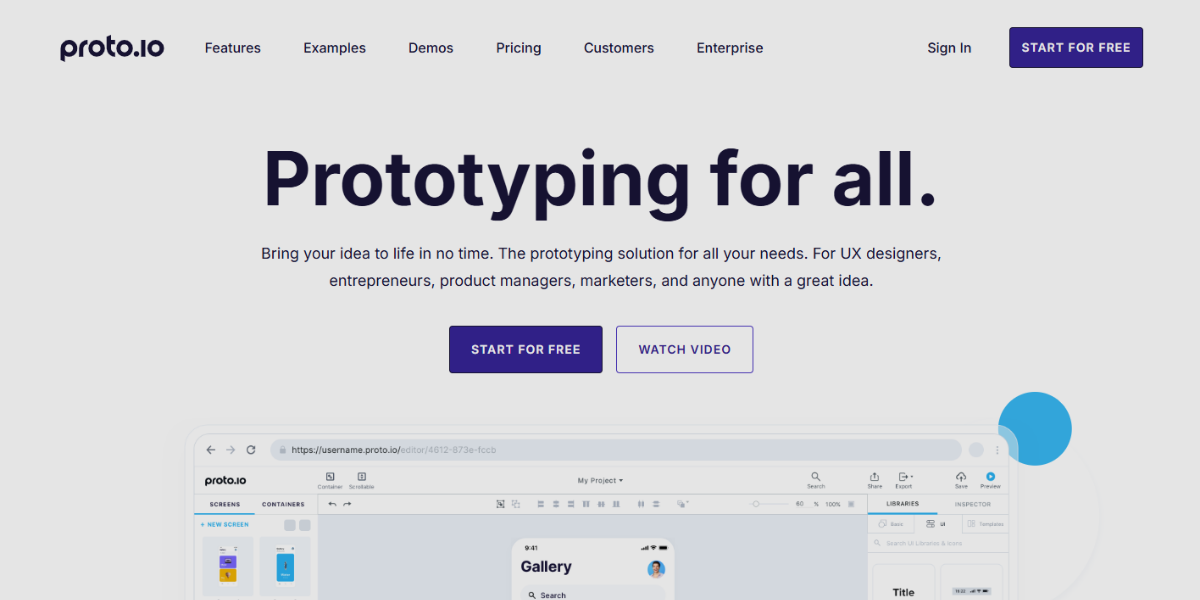
Proto.io a no-code platform for building high-fidelity interactive app prototypes that closely mimic real mobile and web applications. It focuses on realistic user experiences through gesture-based interactions, animations, and device-specific previews, allowing teams to test how designs behave on actual devices. It also supports collaboration and user testing, making it useful for refining interaction-heavy interfaces before development.
15. UXPin
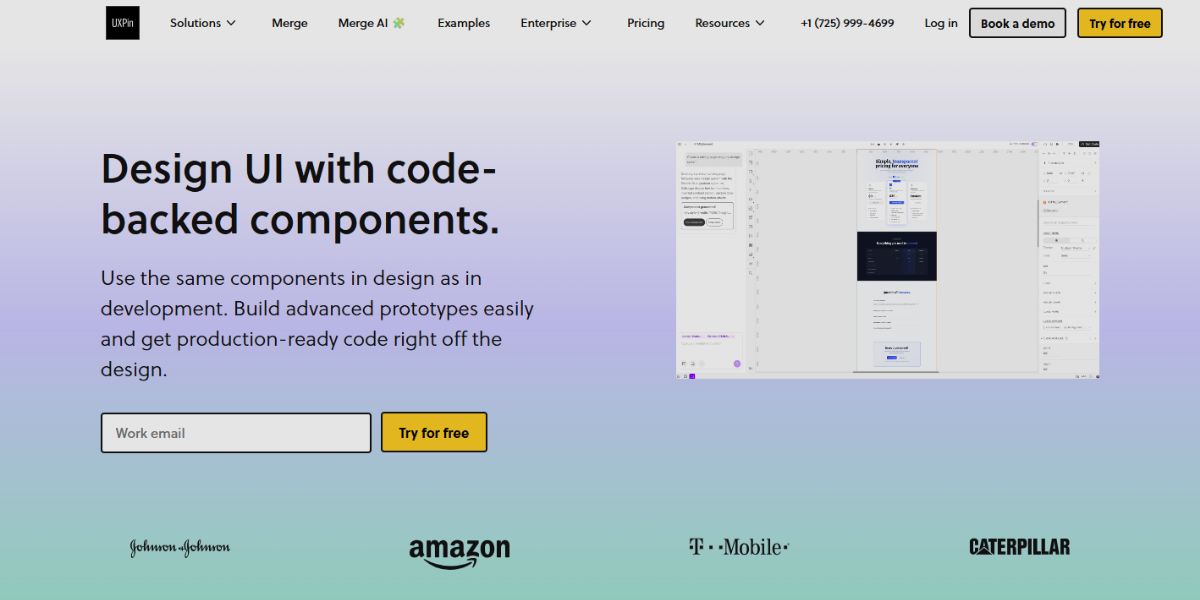
UXPin is an advanced prototyping tool that bridges design and development by enabling logic-driven, interactive prototypes built with real design system components. It supports dynamic states, variables, and conditional logic so prototypes behave like functional applications, and its Merge technology allows integration of production code components for design-development consistency.
It is particularly suited for scalable enterprise workflows where complex interactions and system-level design accuracy are required.
Prototyping & Interaction Design Tools
The specialized design tools focused on transforming static UI screens into interactive, clickable experiences that simulate real user behavior. They enable designers to define navigation flows, gestures, transitions, and micro-interactions, often supporting advanced logic like conditions, variables, and state changes. These tools are particularly valuable for testing usability, demonstrating product functionality, and refining user journeys through realistic, animation-driven prototypes before development begins.
16. Framer
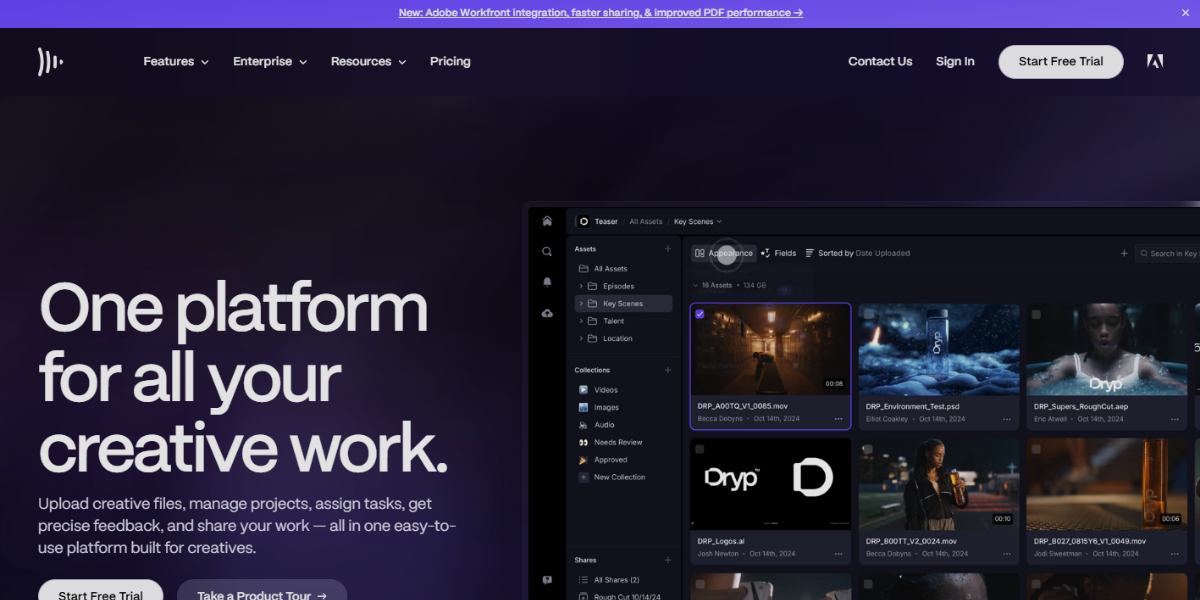
Framer is a modern prototyping and interactive design tool that allows designers to build highly realistic, responsive website and app prototypes using a visual canvas combined with production-level design capabilities. It is particularly strong for web-based UI prototyping, offering layout systems like stacks, grids, and auto-responsive constraints that behave like real front-end code.
Framer enables direct website publishing from prototypes, making it a valuable tool for any Frontend Development Company looking to turn designs into live, interactive web experiences without separate development workflows.
17. Principle
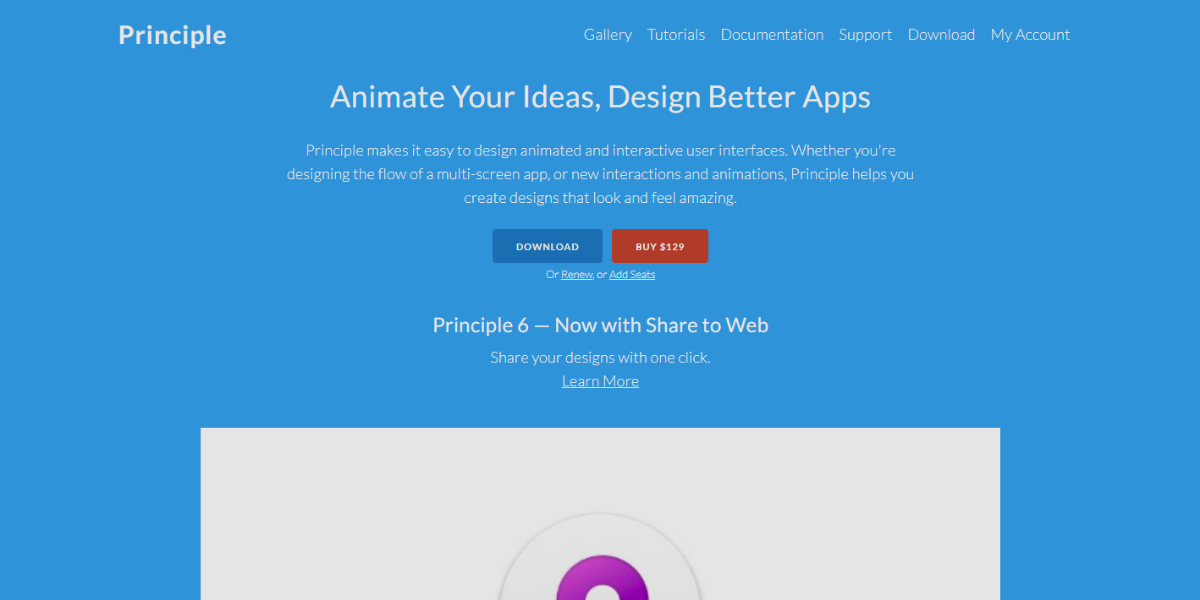
Principle is a motion design and interaction tool focused on creating detailed UI animations and micro-interactions for mobile and desktop interfaces. It is widely used for designing screen transitions, gesture interactions, and animated UI states with a timeline approach. Its responsive timeline editor enables precise control over animation sequencing, easing, transitions, and real-time preview, which makes it ideal for polished motion, onboarding flows, page transitions, and interactive animations.
18. ProtoPie
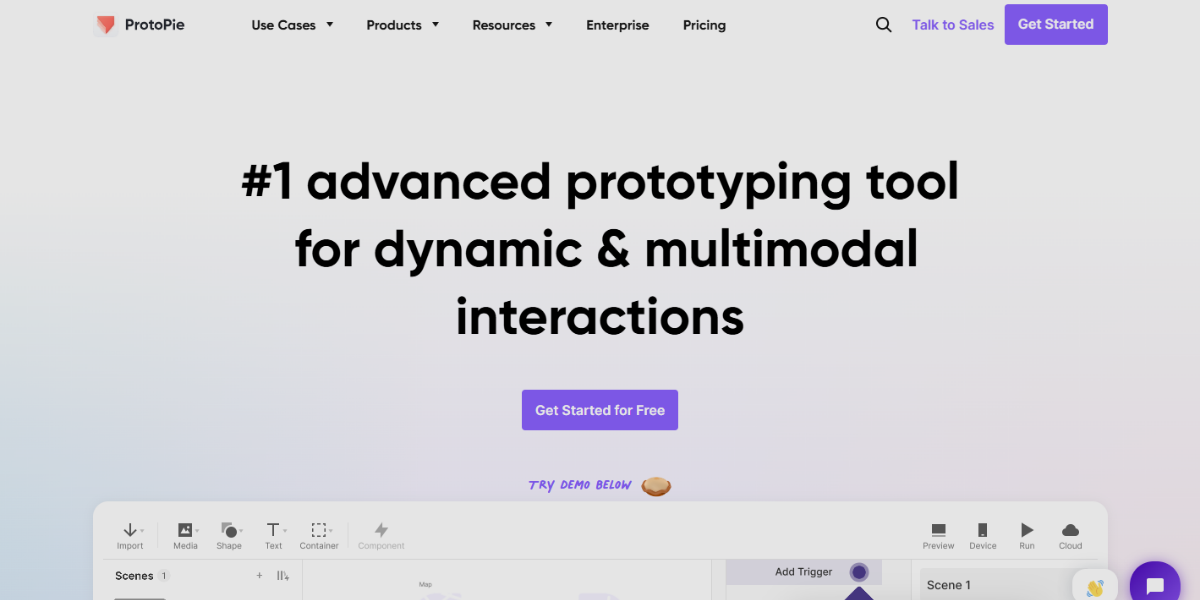
ProtoPie is an advanced no-code prototyping tool designed to build highly interactive, sensor-driven prototypes that closely replicate real app behavior. It supports complex interactions via triggers, conditions, and variables without coding, ideal for advanced UX simulation. It features sensor integration (i-e, gyroscope, microphone, camera), device input simulation, and cross-device prototyping for realistic mobile app experiences.
19. Origami Studio
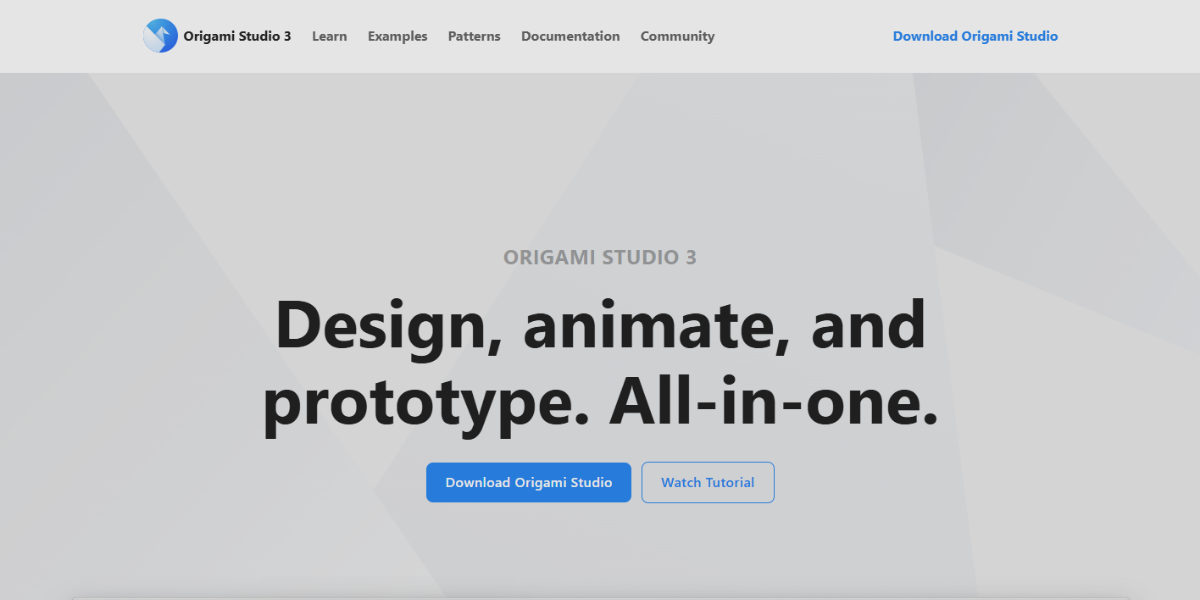
Origami Studio is a prototyping tool designed to create high-fidelity, interaction-rich UI prototypes, with a strong focus on logic-based behavior and dynamic animations. It employs a patch-based system where designers connect visual “logic blocks” to develop interactions, facilitating complex UI behaviors without traditional coding. It is distinguished by real-time mobile preview through Origami Live, advanced layer-based animation control, and robust interaction logic for developing custom gestures, transitions, and responsive UI states. The platform is particularly well-suited for experimental interaction design and sophisticated motion prototyping.
20. Flinto
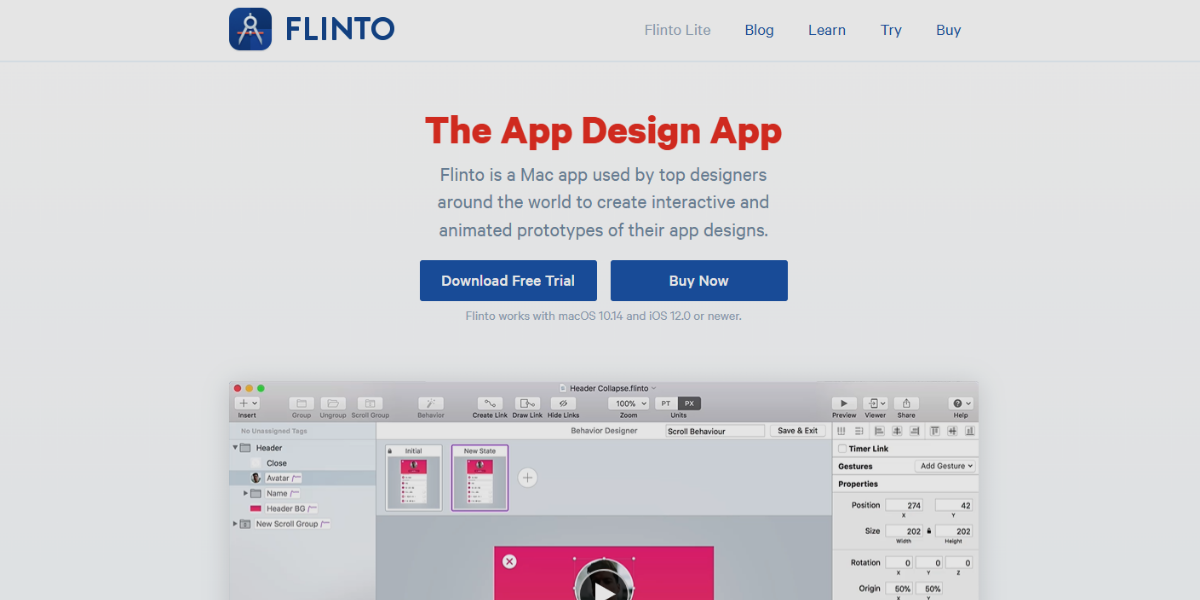
Flinto is a lightweight prototyping tool built for creating smooth, native-feeling mobile interactions with minimal setup, focusing on speed and simplicity in animation design. It allows designers to quickly connect screens and define natural transitions that mimic real app behavior.
It supports scroll-based effects, reusable component interactions, and instant mobile preview, making it ideal for quickly transforming static UI screens into polished, interactive experiences.
Web Development and Code Editors
These are the software environments used to develop, modify, and manage the code required to build websites and web applications. They support front-end development (UI, layouts, animations, interactions) as well as back-end development (server logic, databases, APIs), often with features such as syntax highlighting, debugging, live preview, version control, and framework support. These tools help developers efficiently create responsive, interactive, and functional web experiences, from static pages to full-scale dynamic applications.
21. Visual Studio Code
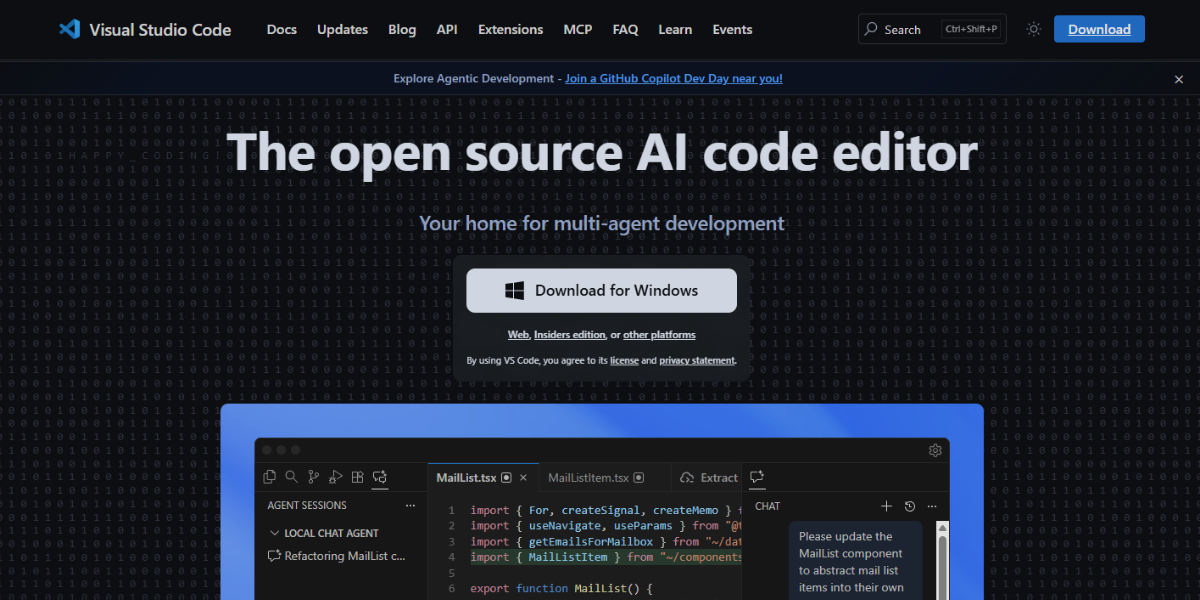
Visual Studio Code is a code editor that supports interactive prototyping by enabling designers and developers to build real UI interactions using HTML, CSS, and JavaScript, with live preview. It enables designers and developers to move beyond simulated prototypes and create production-level interactive experiences.
- Live Server for instant browser preview updates
- Extensive extensions for animation libraries and UI frameworks
- Built-in debugging for interaction testing and flow control
- Full support for custom animations and transitions via code
- Ideal for code-driven, production-ready UI prototyping
22. Nova (by Panic)
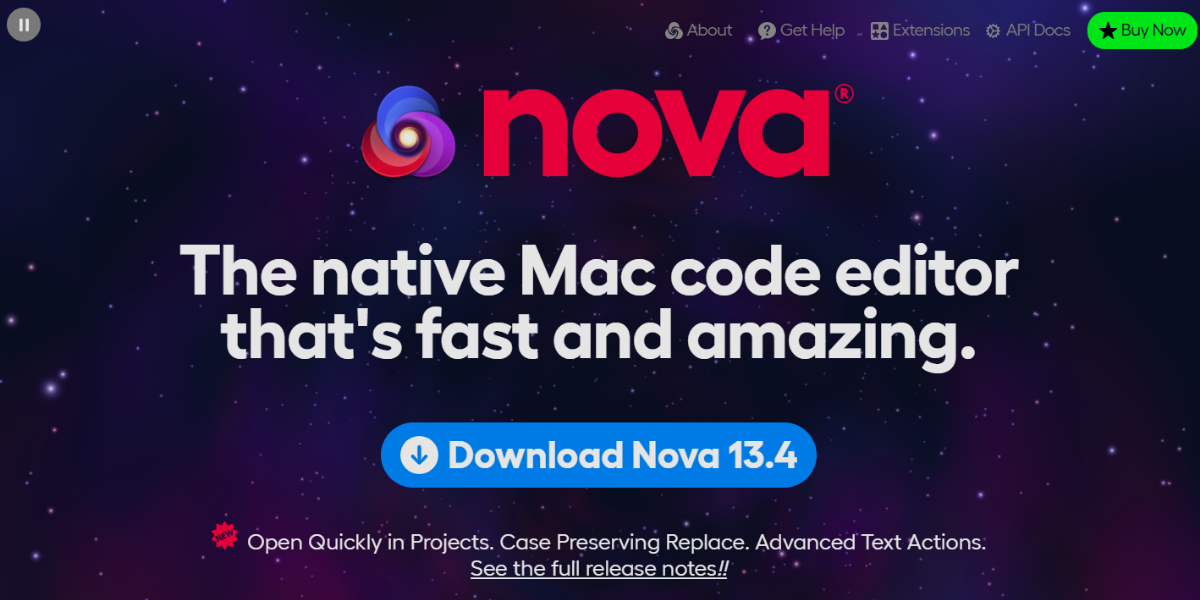
Nova by Panic is a modern macOS code editor designed for web development featuring a clean interface and fast performance. It offers smart autocomplete, multi-cursor editing, built-in Git tools, extensibility via add-ons, an integrated terminal, and customizable workflows, enabling developers to prototype, test, and refine interactive UI components and animations within the editor.
23. Neovim
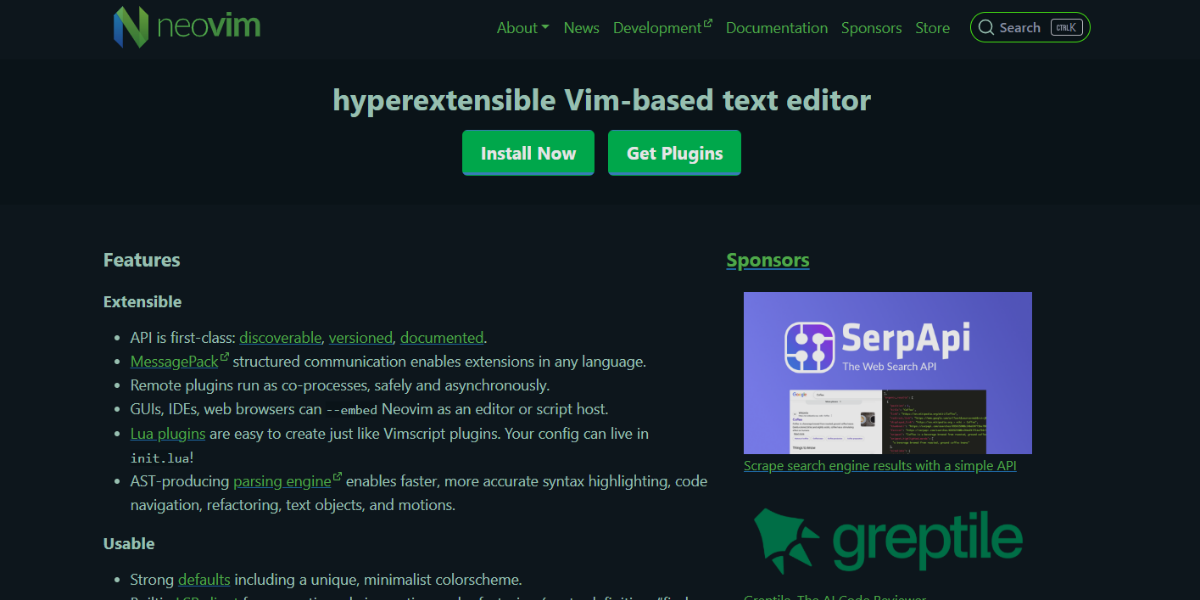
Neovim is a highly extensible, Vim-based code editor designed for speed, automation, and advanced customization through plugins and scripting. It enhances traditional Vim with asynchronous processing, built-in terminal support, and improved plugin architecture, making it suitable for handling complex front-end workflows. It features modal editing efficiency, Lua-based configuration, and powerful integration with tools for live preview and debugging, enabling rapid development and iteration of interactive prototypes and animation code.
24. Emacs
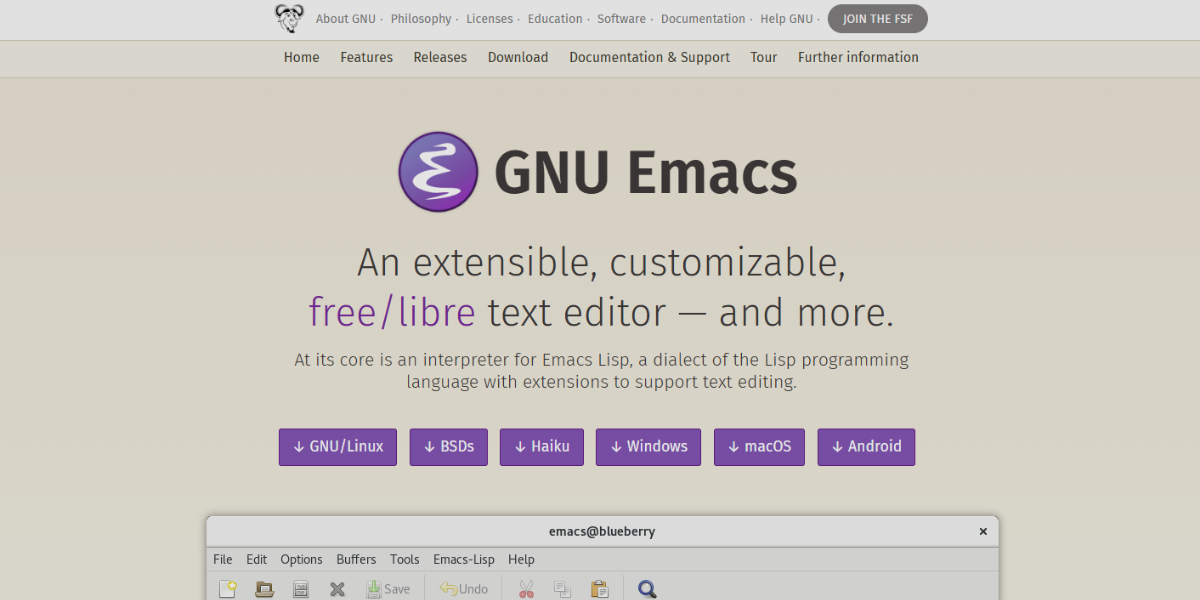
Emacs is a highly extensible and customizable coding environment that serves as both a text editor and a full development ecosystem. It supports a wide variety of programming languages and offers deep customization through Emacs Lisp, allowing developers to tailor their workflows for UI development and interaction design. With features like org-mode for project structuring, an integrated terminal, and real-time code evaluation, Emacs is equipped to handle complex interactive development tasks and manage scripting for animations within a single environment.
25. Bluefish
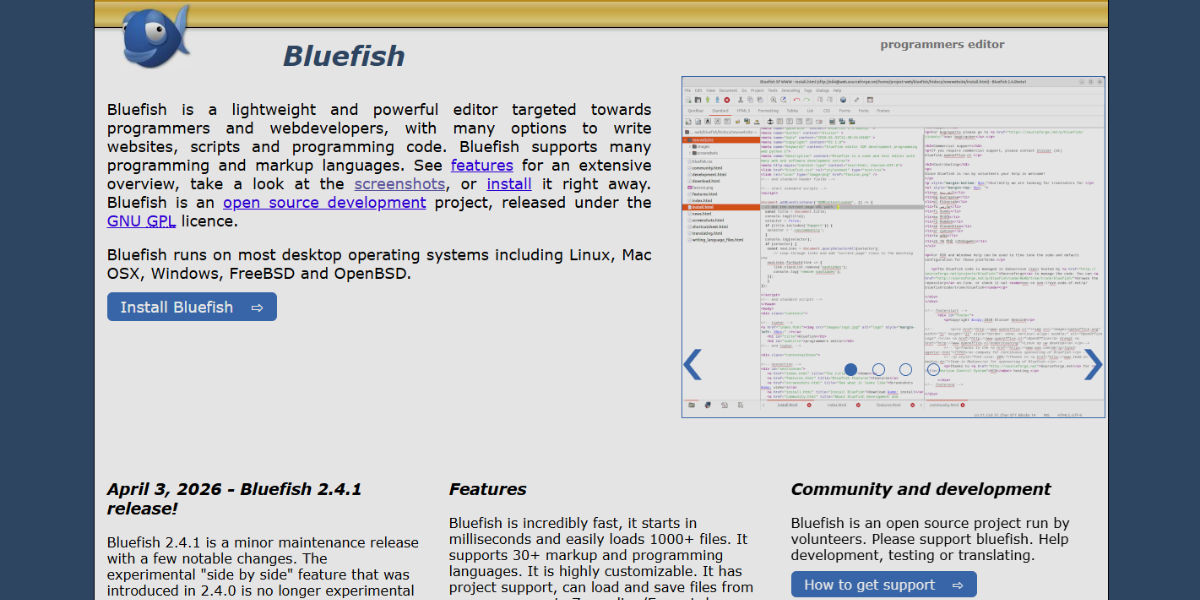
Bluefish is a lightweight yet powerful HTML and web development editor designed for fast editing of dynamic websites and UI components. It supports multiple programming languages and provides features such as syntax highlighting, code snippets, and auto-completion tailored to web technologies. Its speed, multi-document interface, and support for advanced HTML and CSS editing make it effective for quickly building and testing interactive layouts and animation-driven interfaces.
26. Geany
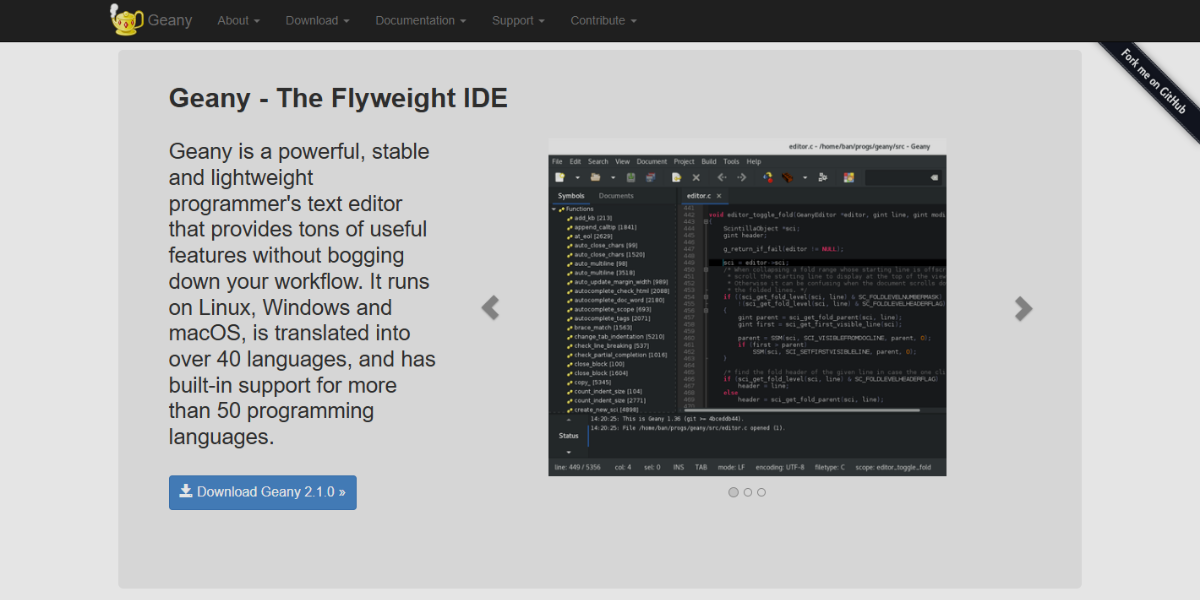
Geany is a fast and minimal integrated development environment designed for simplicity and performance while supporting multiple programming languages. It provides essential features like syntax highlighting, symbol lists, and basic debugging tools without the overhead of larger IDEs. Its quick startup time, low resource usage, and plugin support, makes make it ideal for efficiently coding interactive elements, lightweight prototypes, and front-end animations without distraction.
27. CodeSandbox
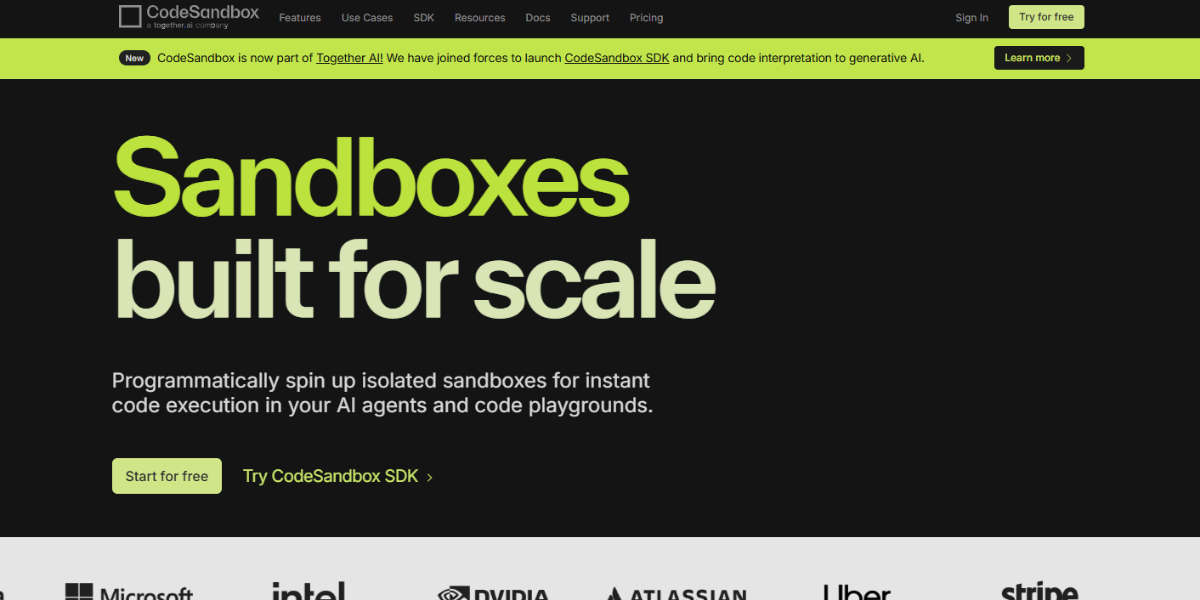
CodeSandbox is a cloud-based development environment designed for building, testing, and sharing web applications directly in the browser with instant live preview. It supports frameworks like React, Vue, and Next.js, allowing developers to rapidly prototype interactive UI components and animation behaviors without local setup. It supports hot reloading, GitHub integration, and sandboxed project environments, enabling instant deployment and collaborative editing, making it ideal for experimenting with clickable prototypes and motion-driven interfaces.
28. Replit
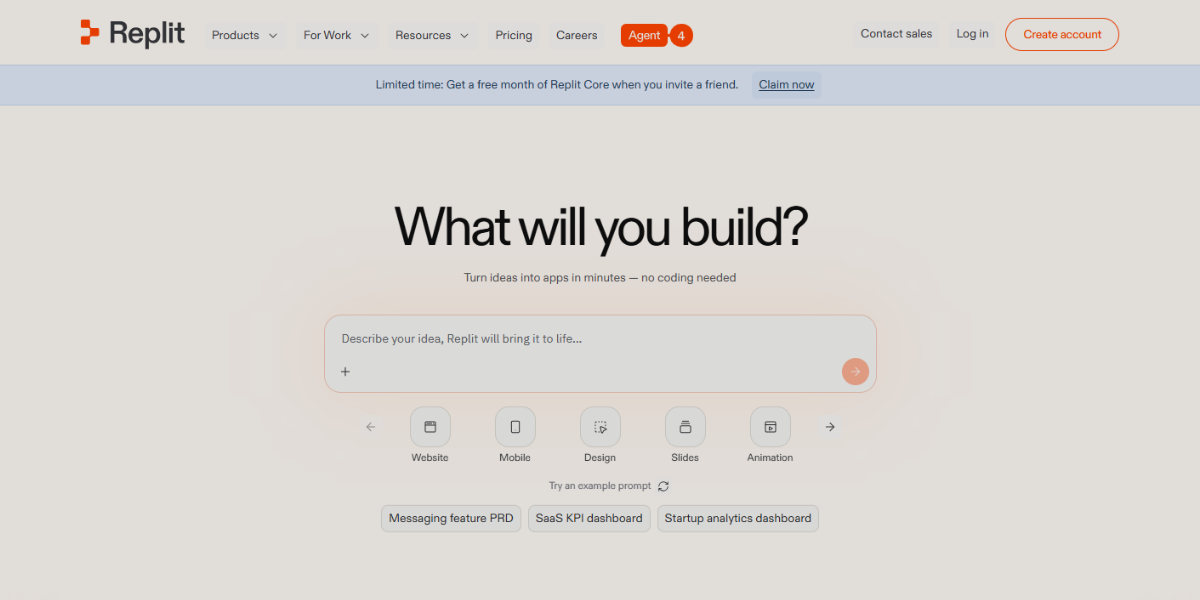
Replit is a browser-based coding platform that provides a full-stack development environment with real-time execution, collaboration, and deployment capabilities. It allows developers to build interactive web apps, UI prototypes, and animation logic using multiple programming languages directly in the browser. It stands out with multiplayer coding (real-time collaboration), instant hosting, and integrated AI-assisted coding features, enabling fast iteration of interactive experiences, dynamic prototypes, and animation-rich web interfaces without local setup.
Graphic & Image Design Tools
The range of alternative design and editing applications focuses on creating, enhancing, and manipulating visual content without relying on mainstream platforms. These tools emphasize lightweight performance, browser-based accessibility, or specialized features such as AI-powered editing, digital painting, vector customization, and quick layout creation. They are commonly used to prepare visual assets, sketch ideas, edit images, and support UI/UX workflows with flexible, fast, and accessible design capabilities.
29. PhotoScape X
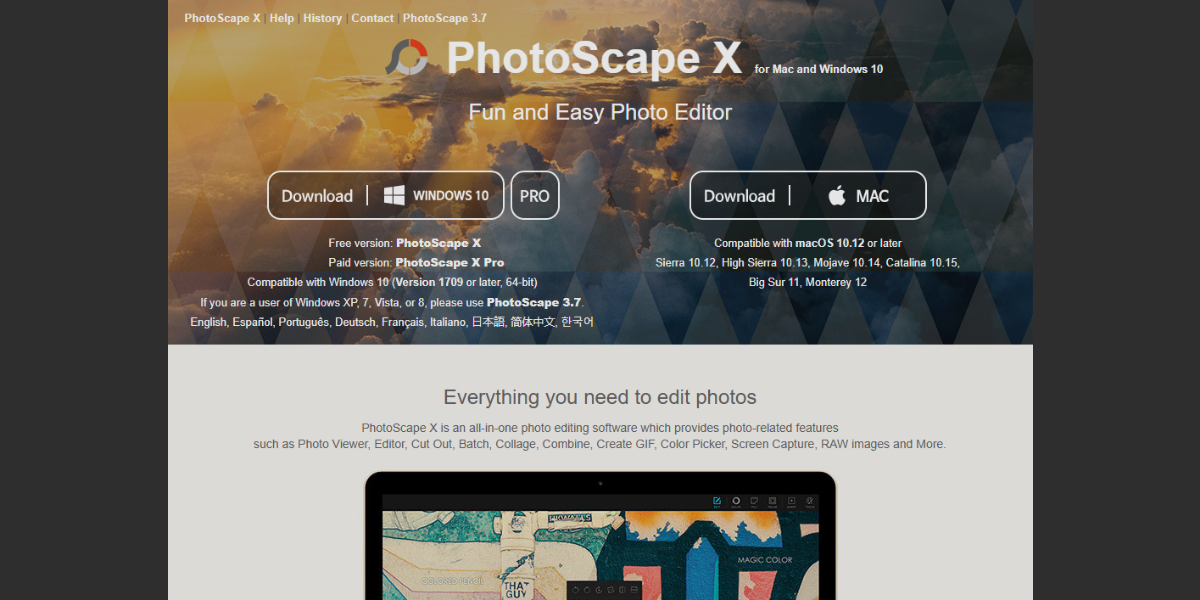
PhotoScape X is a versatile photo editing suite designed for quick yet feature-rich image manipulation, combining batch editing, collage creation, and animated GIF generation in a single workspace. It enables users to edit multiple images at once with consistent filters, adjustments, and effects, streamlining large visual asset management. It includes batch processing, collage, and layout tools for UI visuals, and a GIF creator for basic motion visuals. Its intuitive interface, filters, overlays, and light adjustments facilitate quick visual content creation.
30. Lunacy
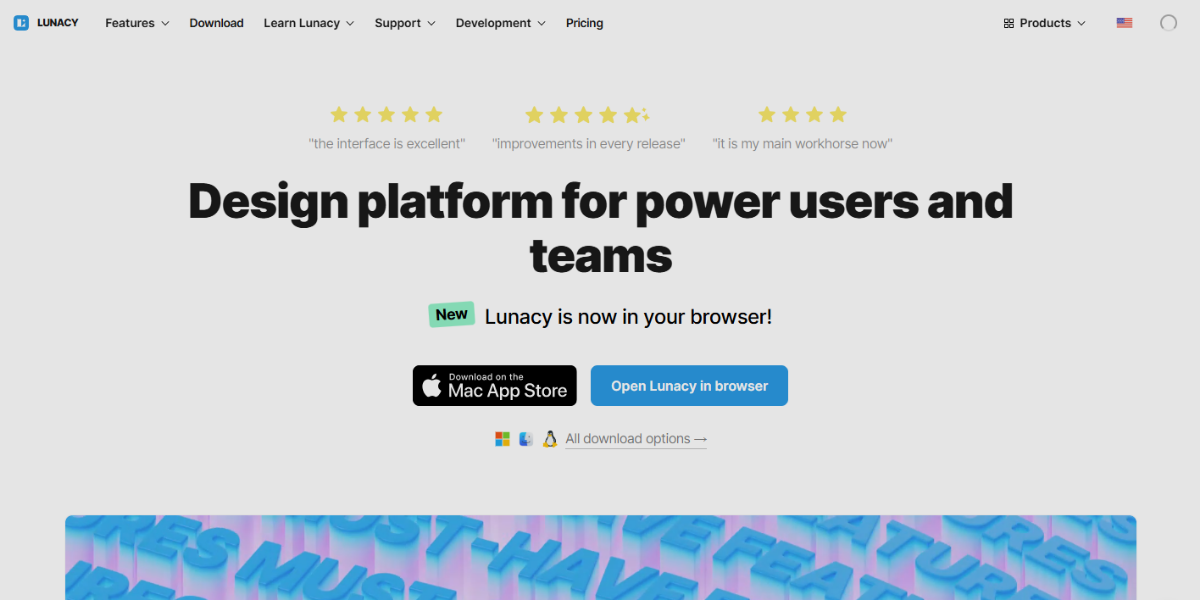
Lunacy is a free, offline-capable UI/UX design tool that provides a lightweight environment for interface design with built-in assets and Sketch file support, removing the need for external resources. It is designed for speed and accessibility across platforms.
It integrates ready-to-use design resources and AI-assisted tools, making UI creation faster while supporting structured layouts and collaborative workflows. It includes;
- Built-in icons, illustrations, and stock assets
- Sketch file compatibility (no macOS required)
- AI tools for background removal, upscaling, and avatars
- Auto-layout for structured UI components
- Real-time collaboration support
31. Vecteezy Editor
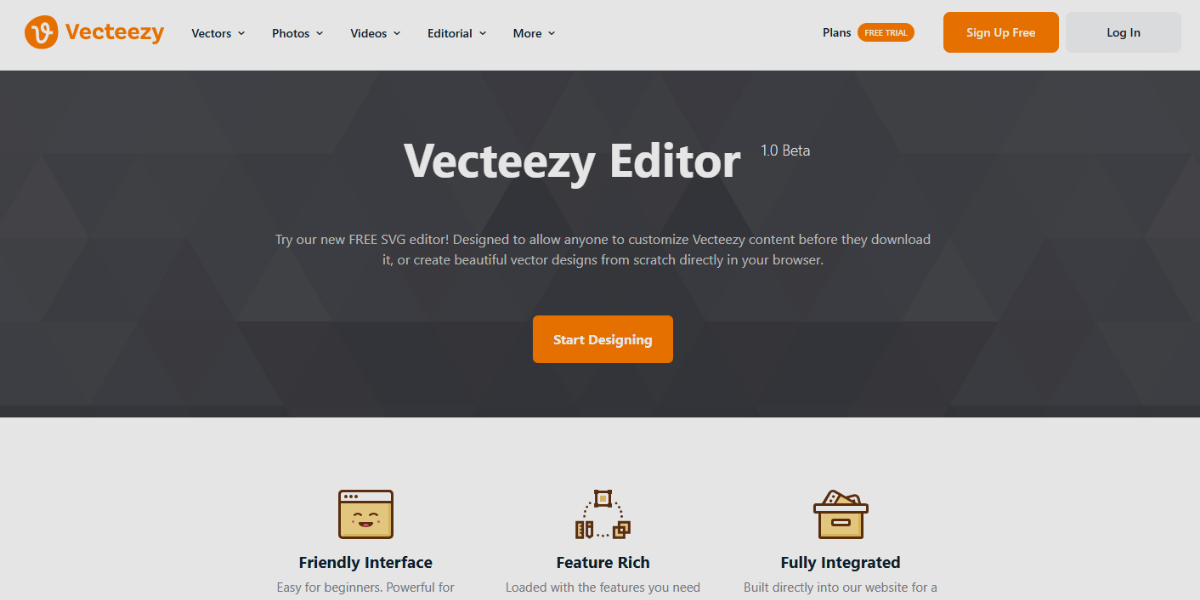
Vecteezy Editor is a browser-based vector editing tool designed to create and customize scalable graphics directly online, without software installation. It provides an easy interface for editing SVGs, icons, and illustrations with basic features like path editing, color changes, and layering. Its standout feature is direct access to Vecteezy’s extensive library of assets, enabling instant modification of pre-made illustrations and export in web formats. Ideal for quick edits and lightweight UI asset creation.
32. Pixlr E/X
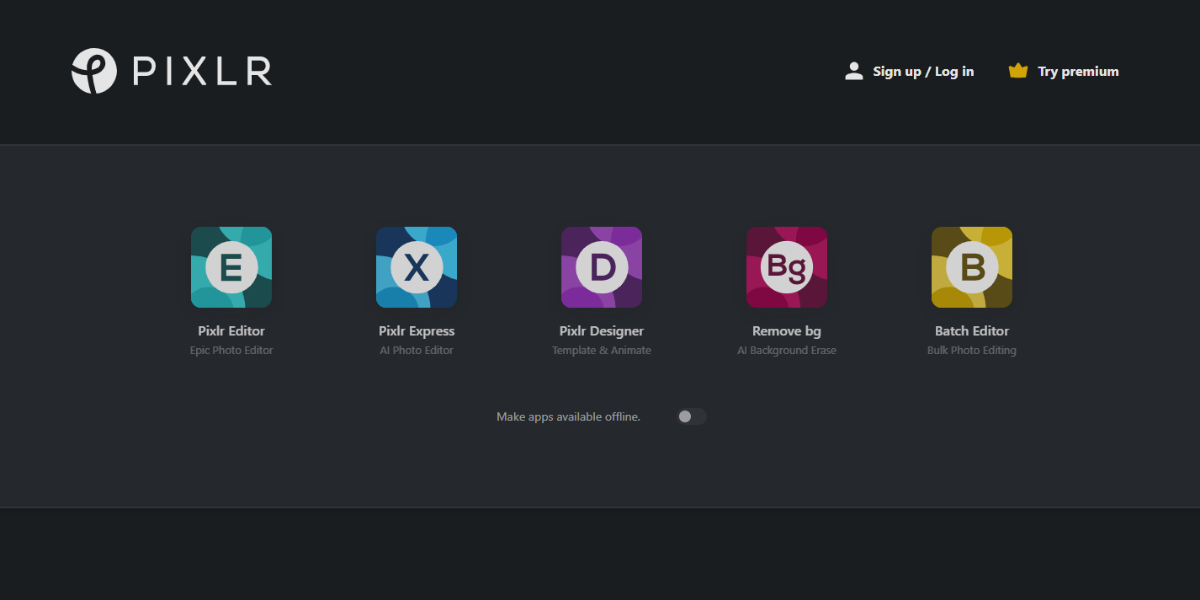
Pixlr E/X is a lightweight, browser-based image editing tool that combines traditional editing features with AI-powered enhancements for fast visual adjustments. It is optimized for speed, allowing users to edit directly without installation.
Pixlr E offers advanced layer-based editing, while Pixlr X focuses on fast, simplified edits, making both suitable for detailed work and rapid content creation. Features include:
- AI background removal and object cutout tools
- One-click image enhancement features
- Layer support with blending and adjustment controls (Pixlr E)
- Simplified quick-edit interface (Pixlr X)
- Filters, overlays, and motion-ready visual effects
33. Sumo Paint
Sumo Paint is a browser-based tool with a desktop-like interface for painting and image editing. It offers layer-based editing, blending modes, custom brushes, advanced filters, gradients, and masking, suitable for UI and textured design. Notably, it offers a responsive brush engine, stylus support, real-time effect previews, and the ability to export layered or flattened files for prototypes and animations.
34. Fotor
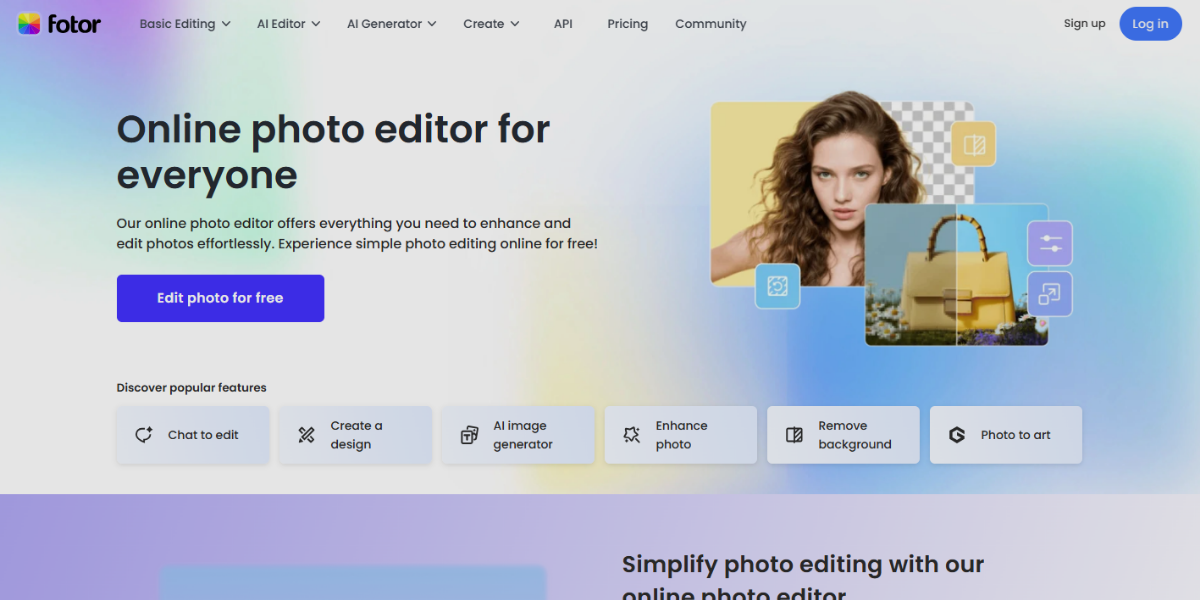
Fotor is an AI-driven photo editing and design tool focused on enhancing visuals through automated adjustments and smart editing features. It enables quick image refinement using one-click AI enhancements, HDR effects, and portrait retouching, making it efficient for preparing high-quality UI visuals and assets.
35. BeFunky
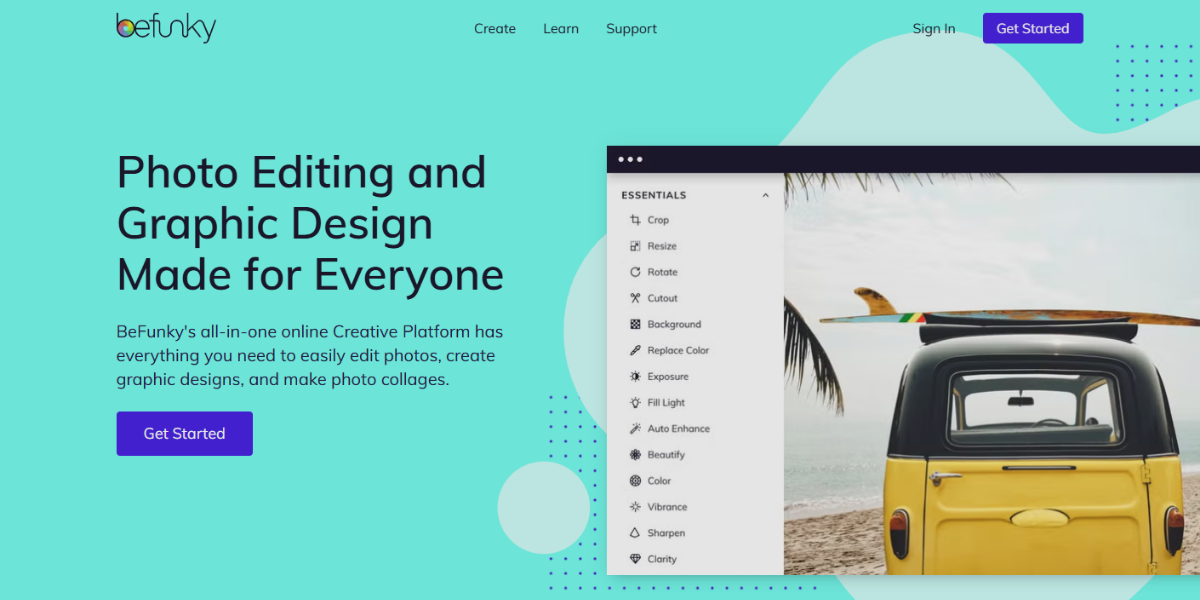
BeFunky is a web-based image editor focused on fast visual composition and structured layouts. It enables quick editing, artistic effects, collage grid arrangements, and templates. It includes a drag-and-drop collage builder, background remover, and graphic overlays, perfect for UI mockups or storyboards. Its layout-driven approach helps organize assets for interactive or animated prototypes.
36. Kleki
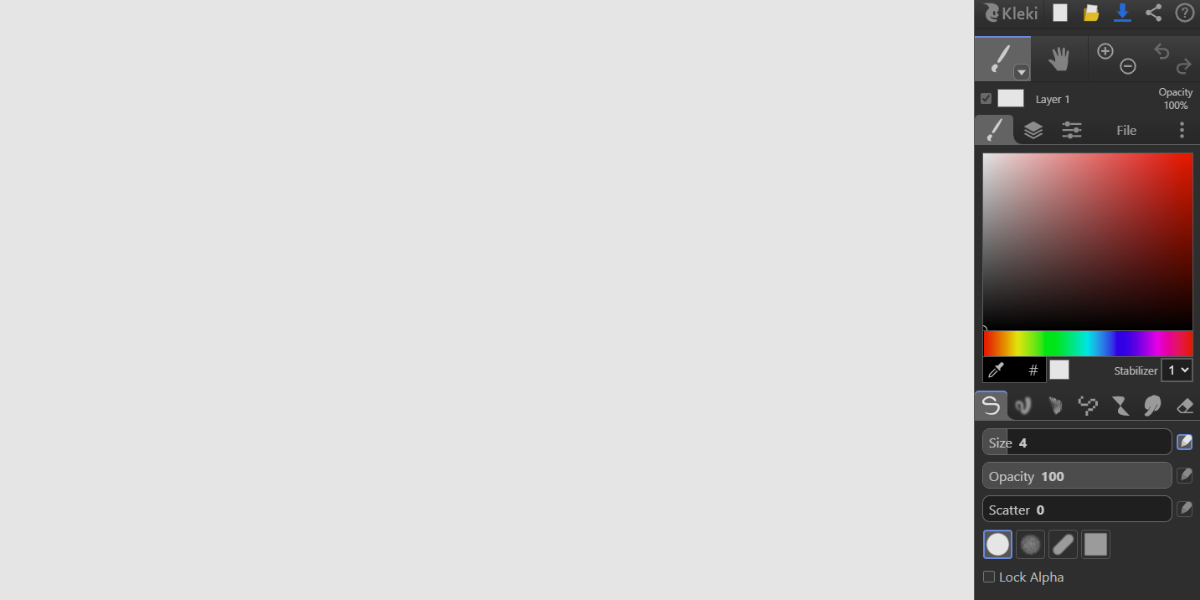
Kleki is a simple, browser-based digital painting tool with essential features like layers, brushes, and pressure sensitivity. It loads quickly, autosaves, and offers smooth brushes, perfect for quick sketches of UI concepts, storyboards, or early ideas that can develop into designs. Its minimal interface helps designers focus on creative flow.
37. Draw.io (diagrams.net)
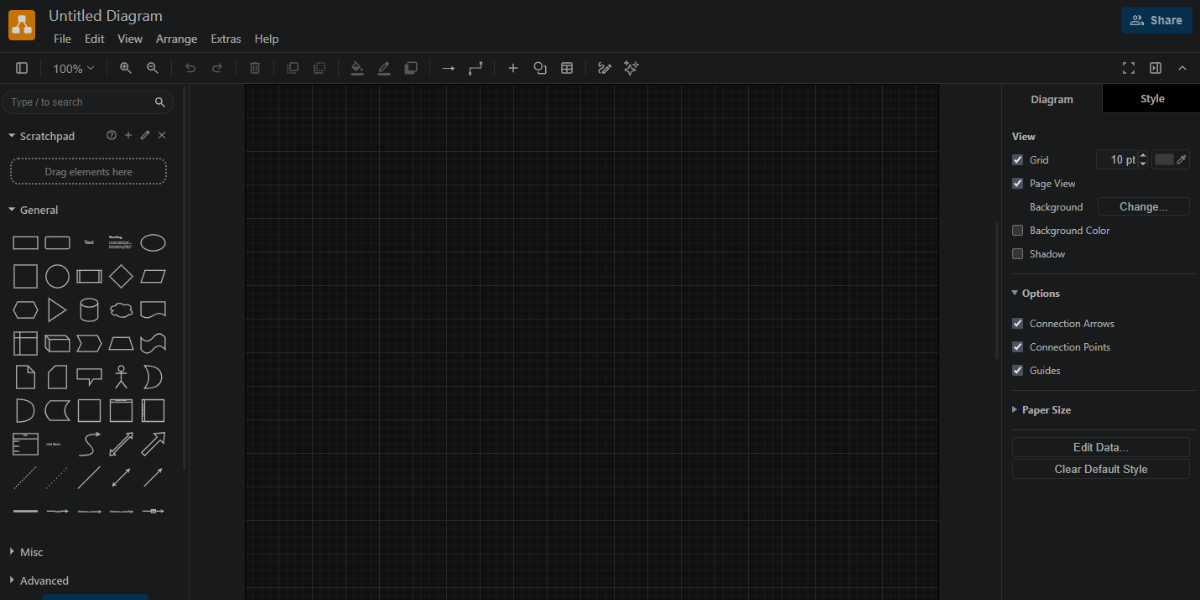
Draw.io (diagrams.net) is a browser-based diagramming tool for creating visuals like user flows, wireframes, and system diagrams focused on clarity and connectivity. It enables interactive visual flows using connectors, shapes, and grids to show navigation and interface logic. It features real-time collaboration, extensive shape libraries, cloud storage integrations, and clickable links within diagrams for navigation, making it ideal for mapping interactive experiences and structuring prototype logic before UI development.
38. SVGator
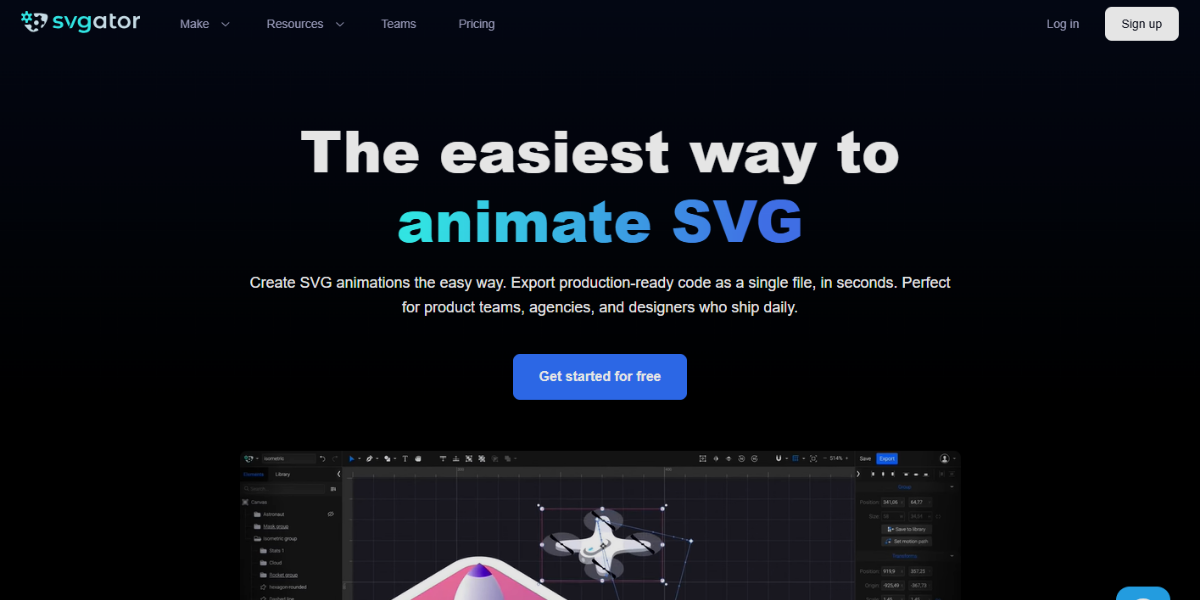
SVGator is a browser-based tool for creating SVG animations without coding, enabling designers to craft lightweight, scalable animations for web and UI. It features a timeline editor for animating paths, strokes, transforms, and opacity with precise control, along with keyframe animation, easing, and export options for CSS, SVG, or JavaScript. It’s ideal for integrating animated icons, loaders, and micro-interactions into prototypes and live interfaces.
39. QuillBot AI Image Editor
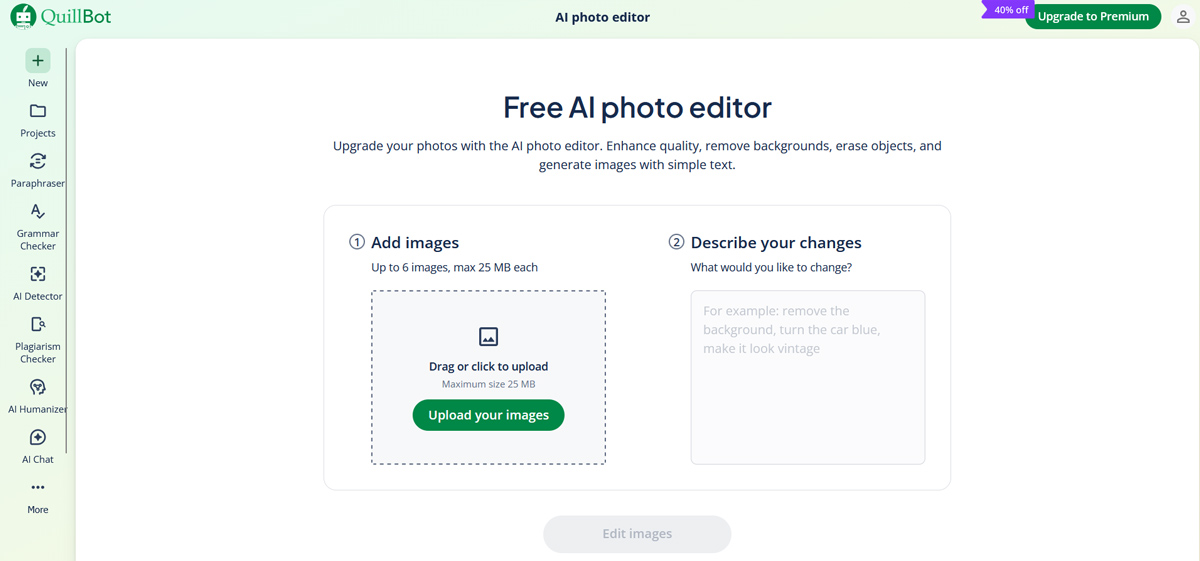
QuillBot AI Image Editor is a browser-based, AI-powered photo editing tool that allows designers and content creators to enhance, retouch, and transform images without manual editing skills. It handles background removal, object erasure, and image enhancement through simple text prompts, making it useful for quickly preparing visual assets for web and UI projects.
Key features include:
- One-click image enhancement for sharpness, lighting, and clarity adjustments
- AI-powered background removal and object replacement via text prompts
- Photo restoration for repairing low-quality or damaged images
- Color correction and tone balancing for natural, consistent visuals
- Free to use with no download or installation required
Wireframing & Planning Tools
Wireframing & planning tools are used to structure, visualize, and organize the foundation of digital products before final UI design and development. They help designers map user flows, create low-fidelity layouts, define navigation structures, and plan interactions in a clear and simplified way. These tools focus on clarity and functionality rather than visual polish, making it easier to validate ideas, align teams, and design intuitive, interactive, and clickable experiences before moving into high-fidelity prototypes and animations.
40. Octopus.do
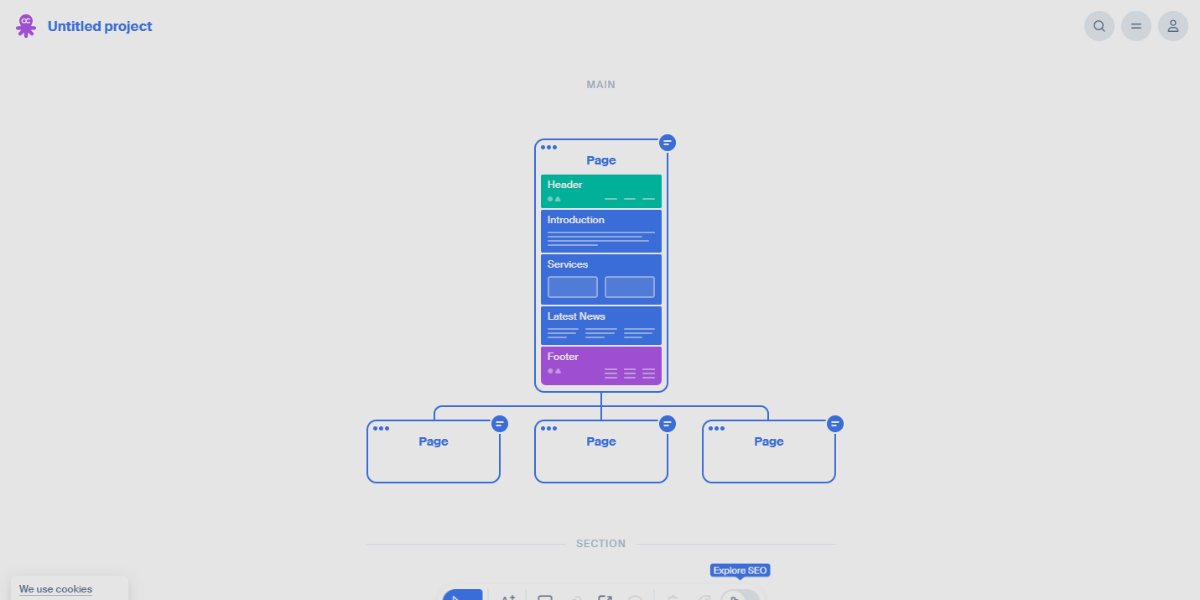
Octopus. Do is a visual sitemap and website planning tool that helps organize complex UI structures through an interactive, drag-and-drop interface. It enables users to create hierarchical page maps with nested levels, color-coding, and notes, aiding team visualization of navigation and flow. It allows real-time collaboration, page annotations, and the attachment of wireframes or links to nodes, which is useful for planning interactive structures before prototypes.
41. FlowMapp
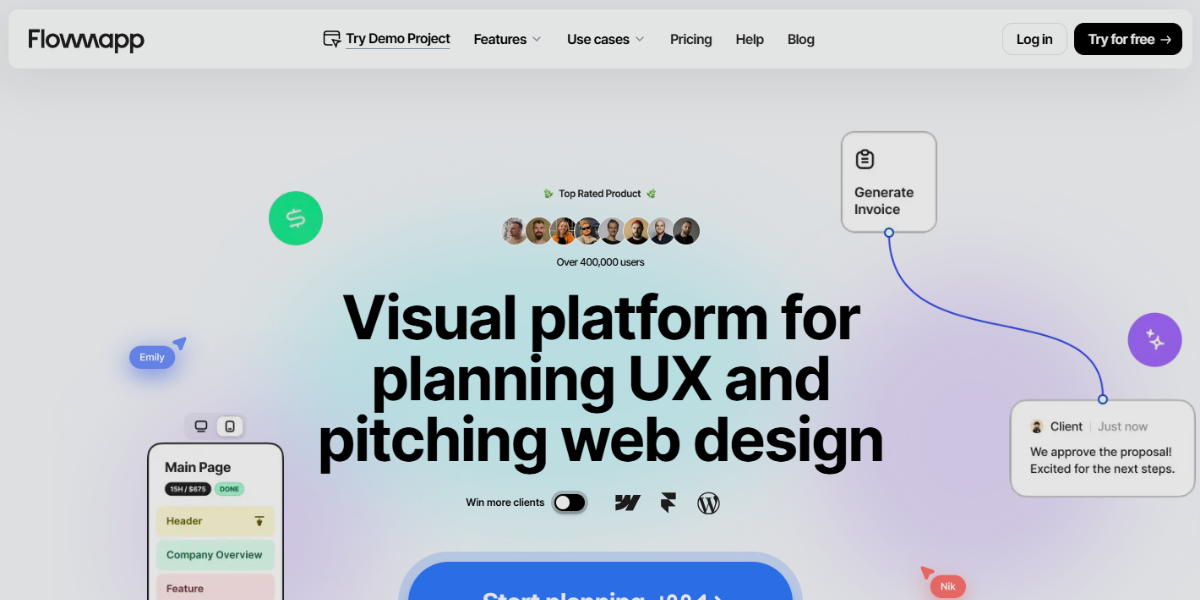
FlowMapp is a UX planning tool focused on mapping user flows, sitemaps, and content structures with a visual and organized approach. It enables designers to create detailed flow diagrams that represent user journeys, decision paths, and interaction sequences across digital products. It distinguishes itself through features such as flow-based mapping, content planning tools, and collaborative workspace functionalities, enabling teams to synchronize on navigation logic and interaction behavior prior to developing interactive prototypes.
42. UXtweak
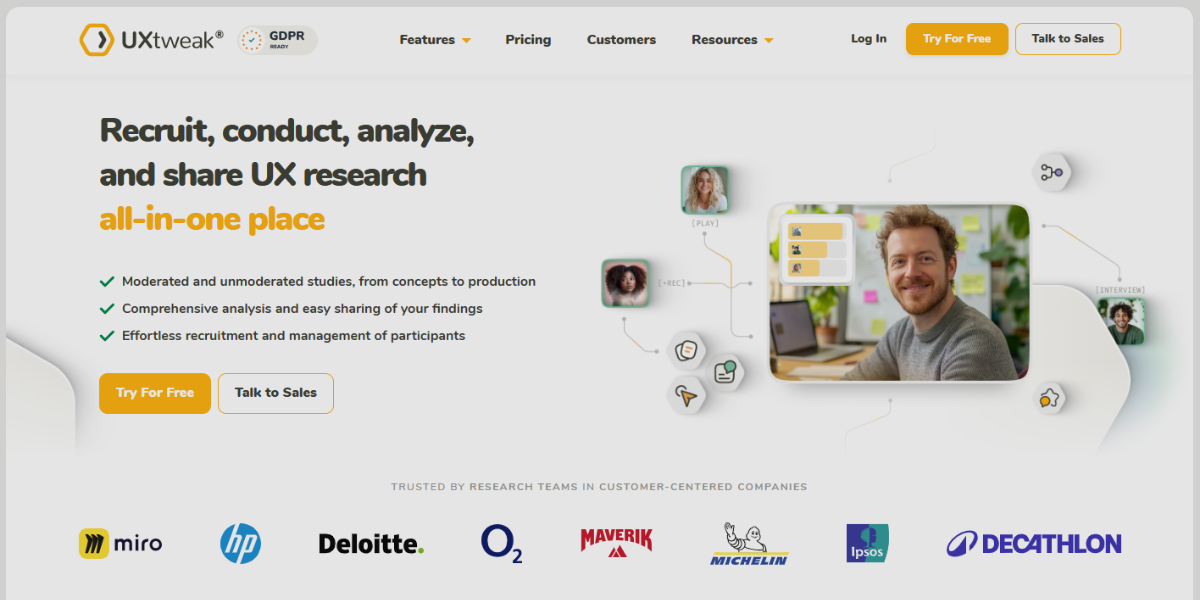
UXtweak is a UX research and testing platform that also includes wireframing and interaction validation tools for improving usability. It allows designers to create simple wireframes and test user interactions through usability testing, session recordings, and feedback collection. It has options such as first-click testing, tree testing for navigation, and heatmaps showing user interactions, helping refine flows and improve prototypes based on real behavior.
43. Wireflow
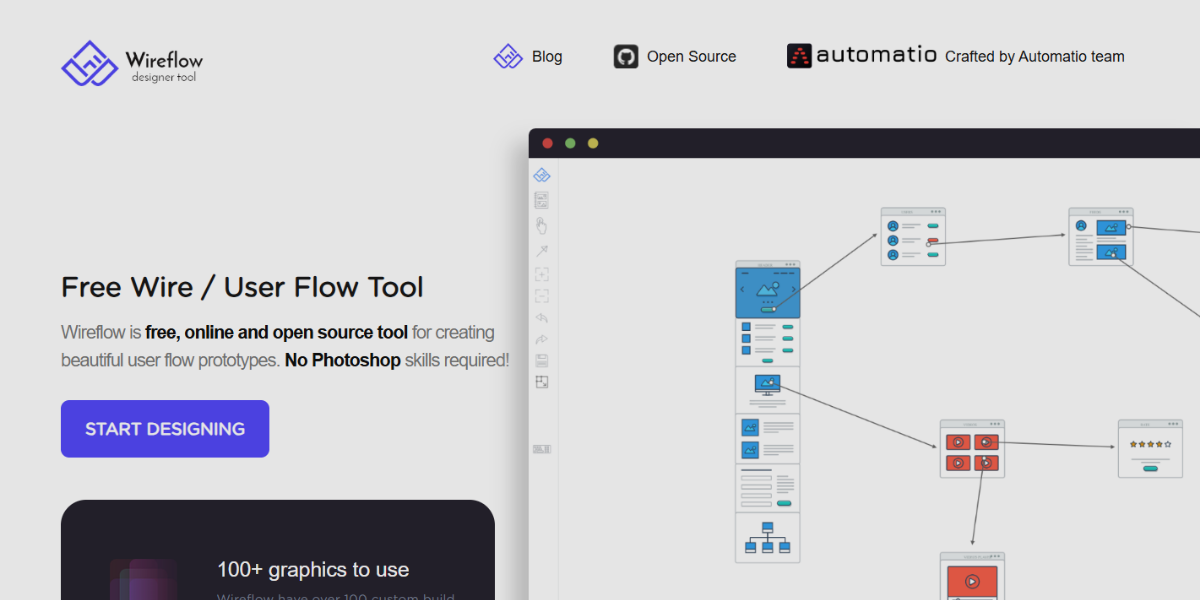
Wireflow is an open-source tool for prototyping user flows, enabling quick mapping of interactive journeys with a visual, block-based interface. Users can connect screens and actions using predefined flow elements that depict decisions, inputs, and system responses. Its simplicity, collaboration capabilities, and emphasis on interaction logic—rather than visual design—make it perfect for rapid prototyping and explaining user navigation before creating detailed clickable prototypes.
44. Smaply
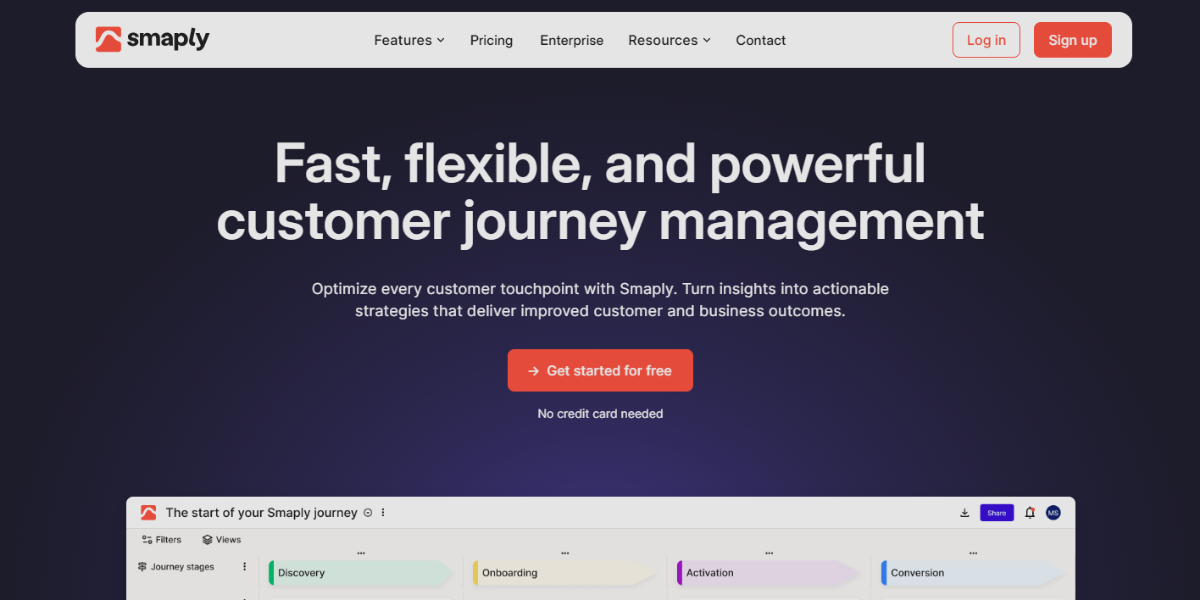
Smaply is a comprehensive journey mapping tool designed to visualize user experiences across various touchpoints through structured and interactive maps. It enables designers to develop detailed customer journey maps incorporating layers such as personas, emotions, channels, and interactions, thereby facilitating the identification of friction points and opportunities within user flows. The platform distinguishes itself through stakeholder mapping, backstage process visualization, and the capability to link journey steps to assets or screens, rendering it a valuable resource for aligning interaction design decisions prior to the development of clickable prototypes.
45. GlooMaps
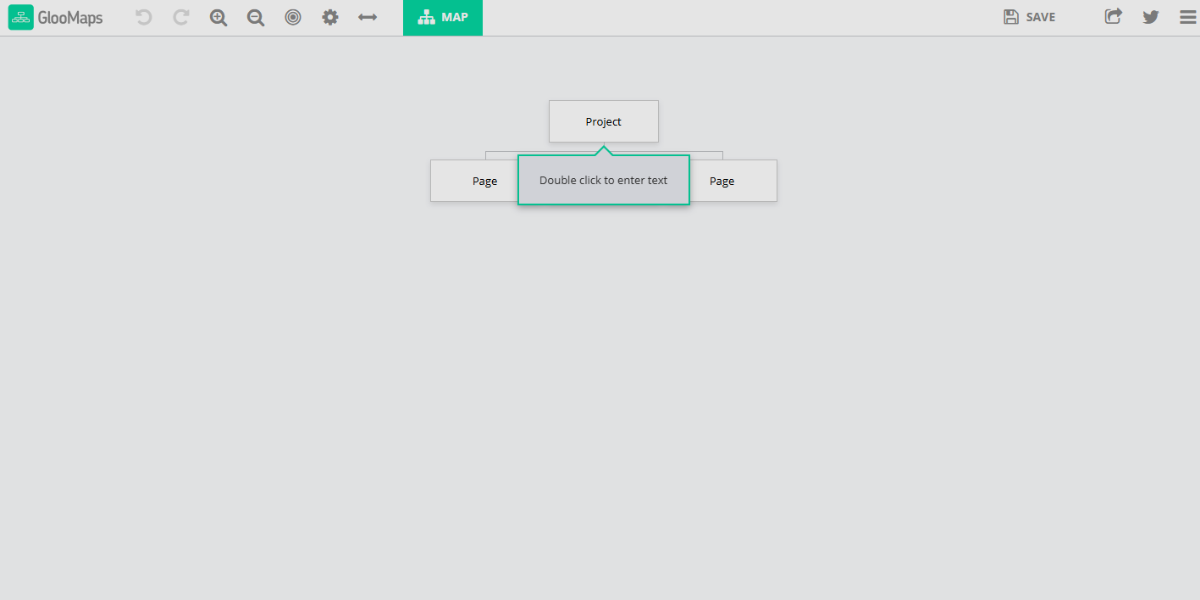
GlooMaps is a lightweight, browser-based sitemap builder focused on quickly structuring website navigation through a simple drag-and-drop interface. It enables users to create hierarchical page maps with connected nodes that represent navigation paths and user flows. It stands out with real-time editing, shareable project links, and a clean visual layout that allows teams to map interactive structures rapidly without complexity, making it ideal for early-stage planning of clickable prototypes.
46. Dyno Mapper
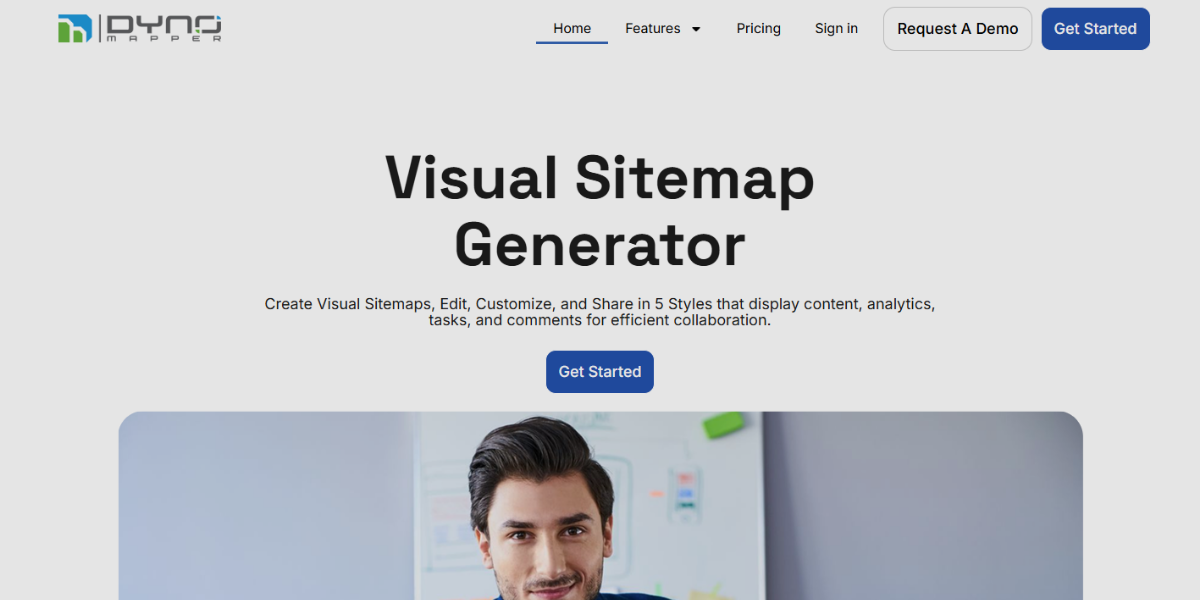
Dyno Mapper is a comprehensive sitemap and content planning tool that combines visual sitemap creation with content inventory and auditing features. It allows users to organize large-scale website structures, assign content to pages, and visualize navigation paths. It automates content crawling, keyword tracking, user permissions, and maps content relationships to interactive flows, suitable for planning complex, content-driven prototypes and user experiences.
47. Visual Sitemaps
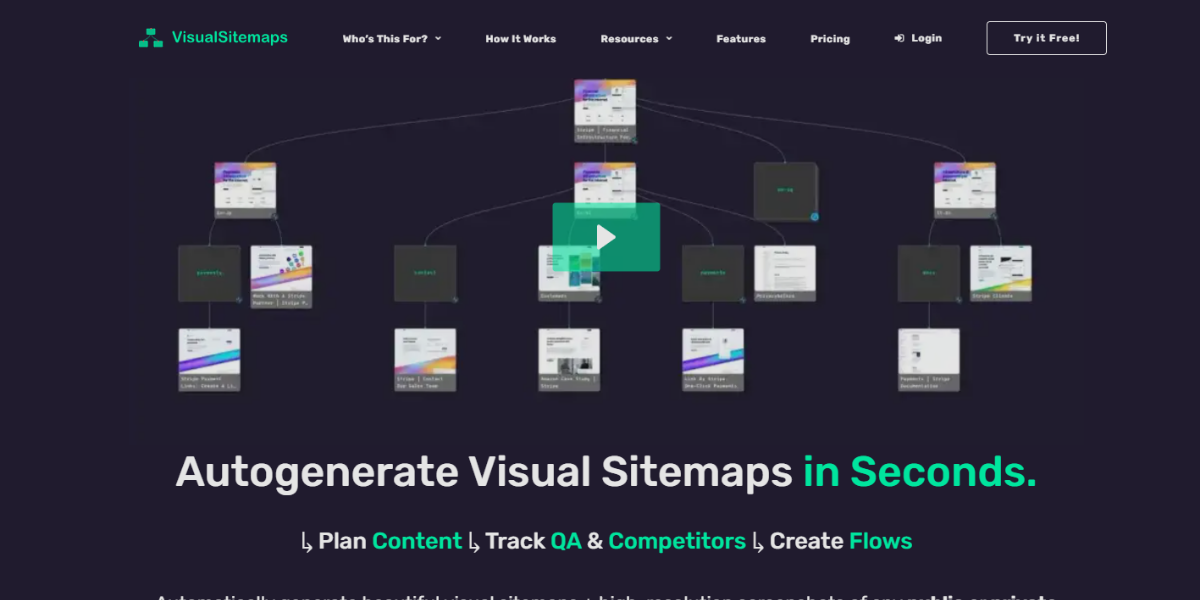
VisualSitemaps is an automated sitemap generator that creates visual representations of websites by crawling live URLs and capturing page screenshots. It allows designers to see the full structure of a website along with visual previews of each page, helping analyze layout consistency and navigation flow. It stands out with features like auto-generated page mapping, thumbnail-based navigation, and integration with design tools, making it effective for reverse-engineering interactive structures and improving prototype planning.
48. Optimal Workshop
Optimal Workshop is a UX research platform focused on testing and improving information architecture and navigation structures through data-driven insights. It provides tools like card sorting, tree testing, and first-click testing to evaluate how users interact with navigation systems. It stands out with detailed analytics, participant behavior tracking, and visualization of user decisions, helping designers refine interaction flows and validate structural choices before translating them into clickable prototypes.
Analytics & UX Testing Tools
Analytics & UX testing tools are essential platforms for understanding how users interact with digital products, including websites, apps, and interactive prototypes. They capture behavioral data such as clicks, navigation paths, session recordings, heatmaps, and conversion flows to reveal how real users experience a design. These tools help designers and product teams identify usability issues, optimize interaction patterns, and validate design decisions through evidence-based insights, ultimately improving the effectiveness and clarity of user experiences.
49. Heap
Heap is an automatic event analytics tool that captures every user interaction across an interface without requiring manual event setup, making it ideal for analyzing clickable prototypes and live product behavior. It allows teams to define events after data collection, providing flexibility to understand user flows and interaction patterns, including:
- Auto-captures clicks, taps, swipes, and form actions
- Retroactive event definition from stored user data
- Visual UI labeling for quick event mapping
- Conversion path tracking across user journeys
- Interaction-level analysis for prototype optimization
50. Mixpanel
Mixpanel is an event-based analytics tool focused on tracking how users interact with digital products through structured behavioral data, helping teams evaluate engagement within interactive prototypes and real applications. It is widely used to understand user flow efficiency and retention behavior.
It provides detailed funnel tracking and segmentation tools that help break down complex interaction paths into measurable insights for improving UI and animation-driven experiences.
51. Amplitude
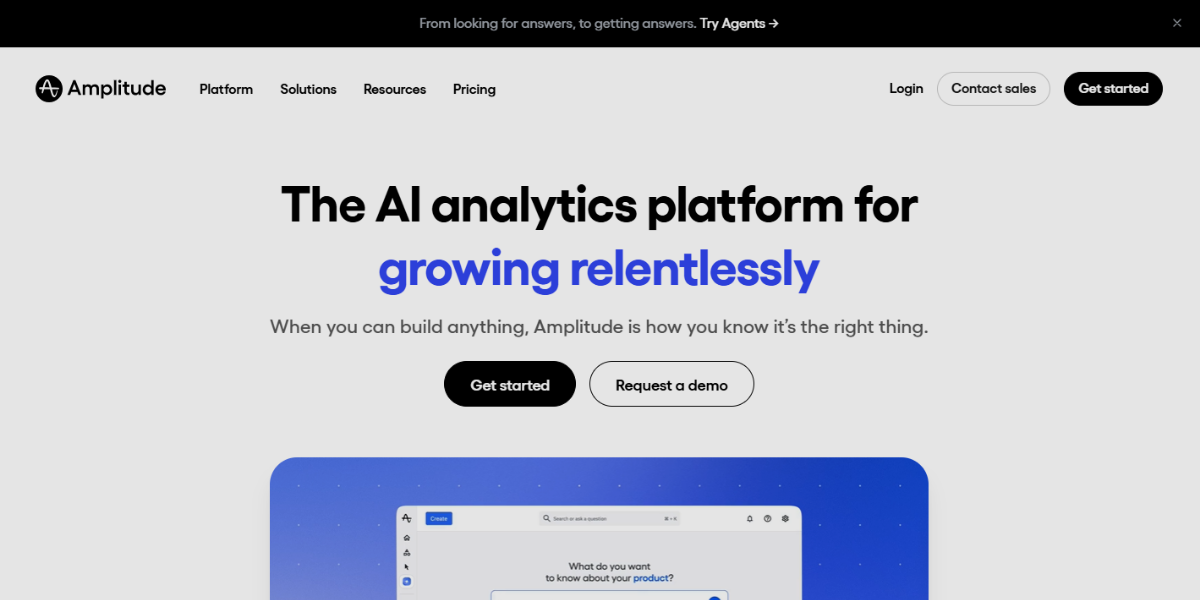
Amplitude is a behavioral analytics platform designed to deeply analyze user journeys and product interactions using event-driven data models. It helps teams understand how users move through features and interfaces, making it useful for optimizing interactive prototypes and complex UI flows.
It focuses on advanced behavioral insights, enabling predictive analysis and experimentation to refine user experience based on real interaction patterns. It includes;
- Path analysis for tracking user navigation flows
- Behavioral segmentation and cohort analysis
- Predictive analytics for user behavior trends
- Experimentation tools for testing interaction changes
- Deep event tracking for feature-level insights
52. Smartlook
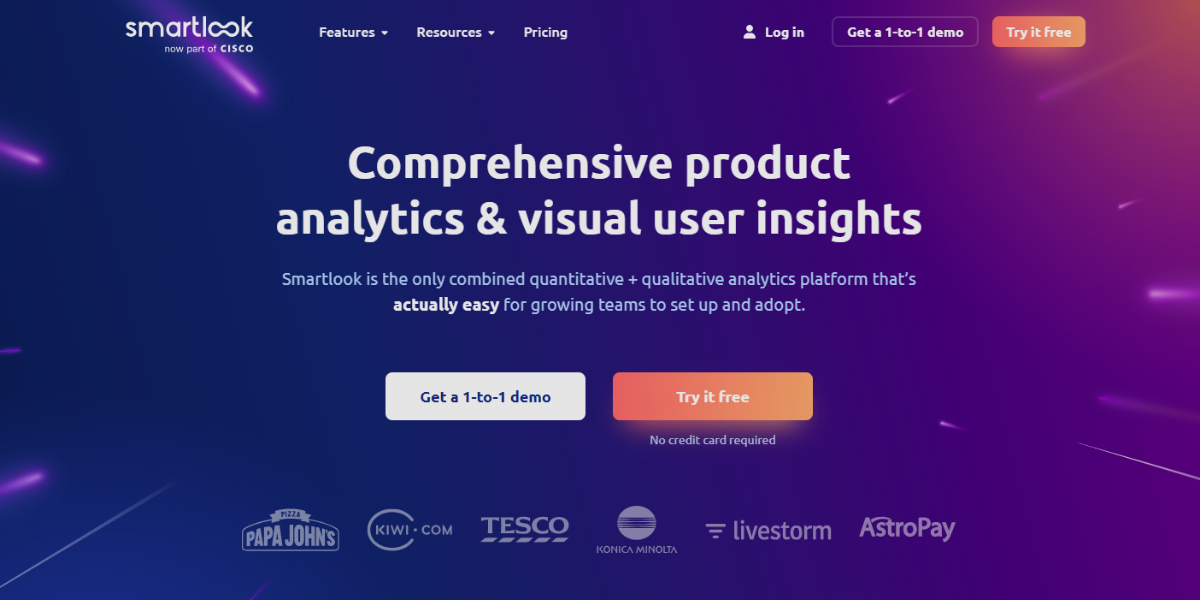
Smartlook is a UX analytics tool that combines session recordings and heatmaps to visualize how users interact with interfaces in real time. It records user sessions, including clicks, taps, scrolling, and navigation behavior, allowing teams to replay interactions and identify usability issues. It also offer event tracking, conversion funnels, and automatic event detection, providing clear insights into how users engage with clickable prototypes and where interaction breakdowns occur.
53. Mouseflow
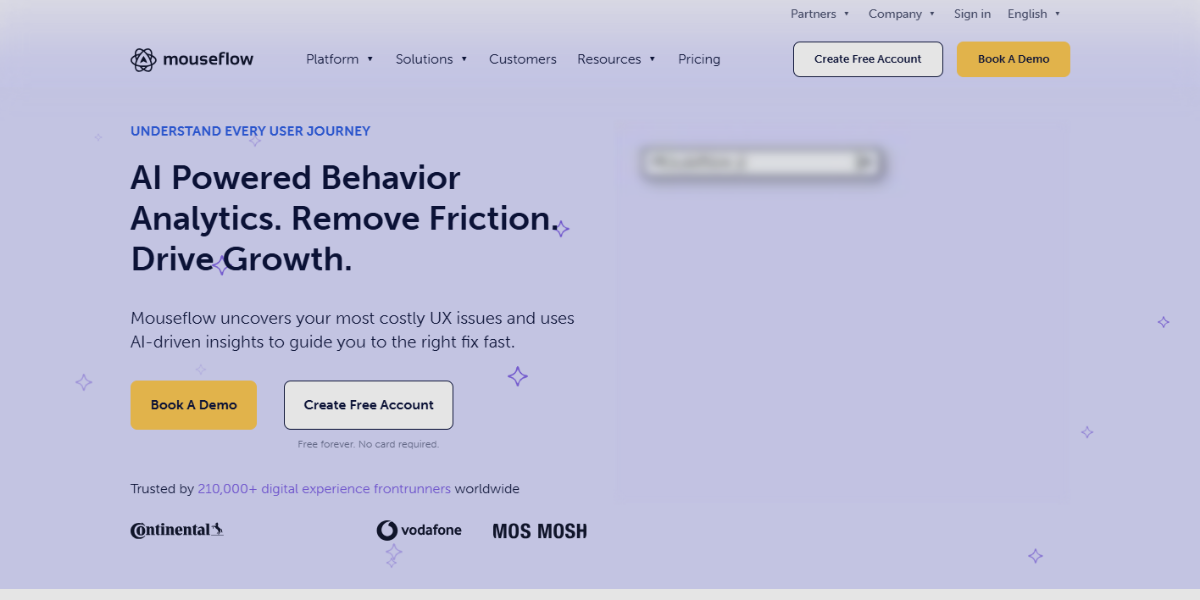
Mouseflow is a behavior analytics tool focused on tracking user interaction through session replays, heatmaps, and funnel analysis. It captures detailed user movements such as clicks, scrolling, and cursor activity, helping teams understand how users navigate through interactive flows. It stands out with friction detection, form analytics, and conversion funnels, enabling designers to identify usability issues in prototypes and optimize interaction paths for smoother user experiences.
54. Full Session
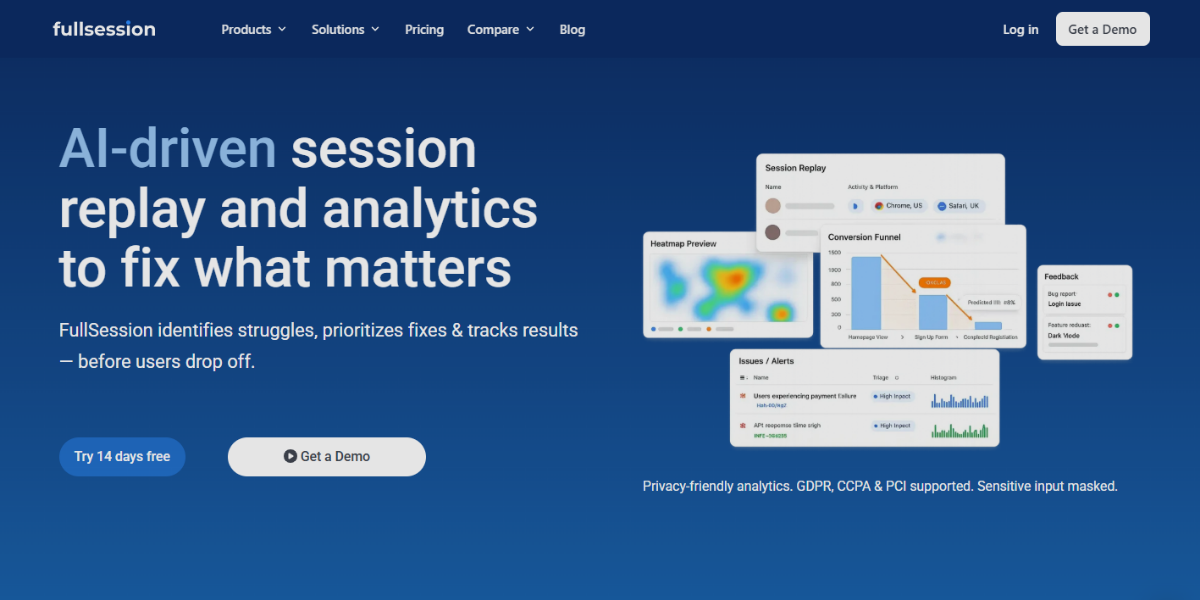
FullSession is a user behavior analytics tool focused on capturing detailed session insights through high-quality session replays and event tracking. It records user interactions such as clicks, scrolls, taps, and navigation paths, allowing teams to visually analyze how users engage with interfaces and clickable prototypes. It signals frustration and tracks errors, and analyzes the conversion funnel, helping identify interaction breakdowns, usability issues, and drop-off points within animated or interactive user flows.
55. Indicative
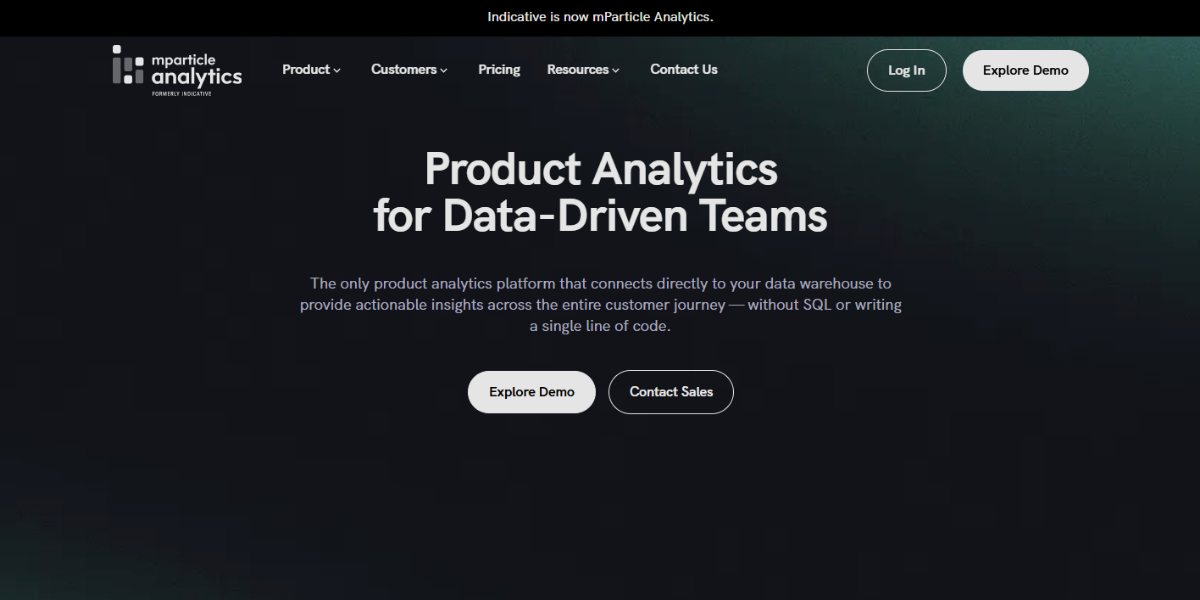
Indicative is a product analytics platform designed for deep behavioral analysis using event-based tracking and flexible data modeling. It allows teams to explore complex user journeys across multiple sessions, making it useful for understanding how users navigate interactive experiences and prototype flows. It includes cohort analysis, segmentation, and multi-step funnel tracking, enabling detailed insights into user behavior patterns and helping optimize interaction paths and engagement strategies.
56. Pendo
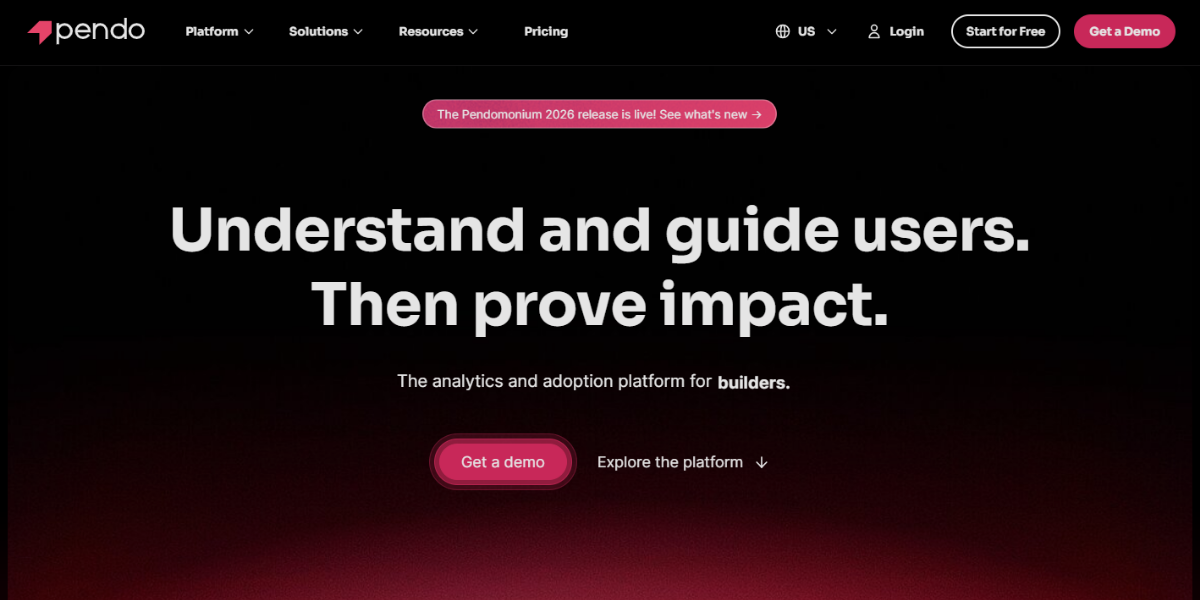
Pendo is a product analytics and user onboarding platform that combines behavior tracking with in-app guidance to improve user interaction and adoption. It tracks how users engage with features, navigation, and UI elements while also enabling the creation of tooltips, walkthroughs, and interactive onboarding flows directly within the product.
57. Countly
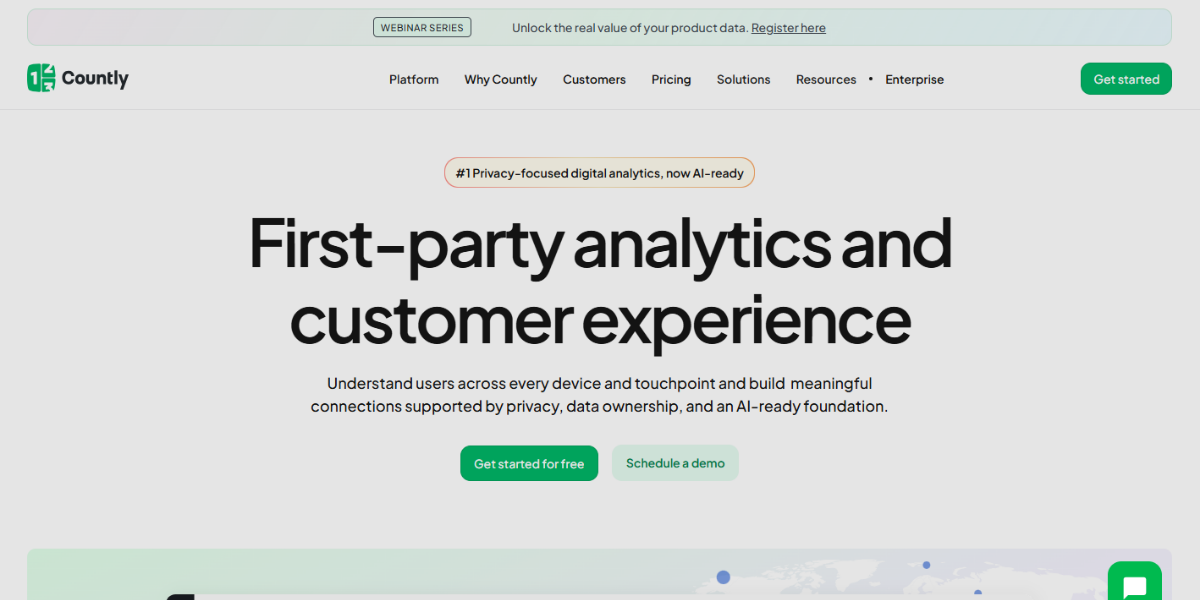
Countly is an open-source analytics platform that provides full control over data tracking and customization for monitoring user interactions across web and mobile applications. It supports event tracking, user sessions, and push notifications, making it suitable for analyzing how users interact with interface elements and flows. It’s a self-hosted deployment option, an extensible plugin system, and real-time analytics dashboard, enabling teams to tailor tracking specifically for interactive prototypes and user behavior analysis.
58. UserZoom
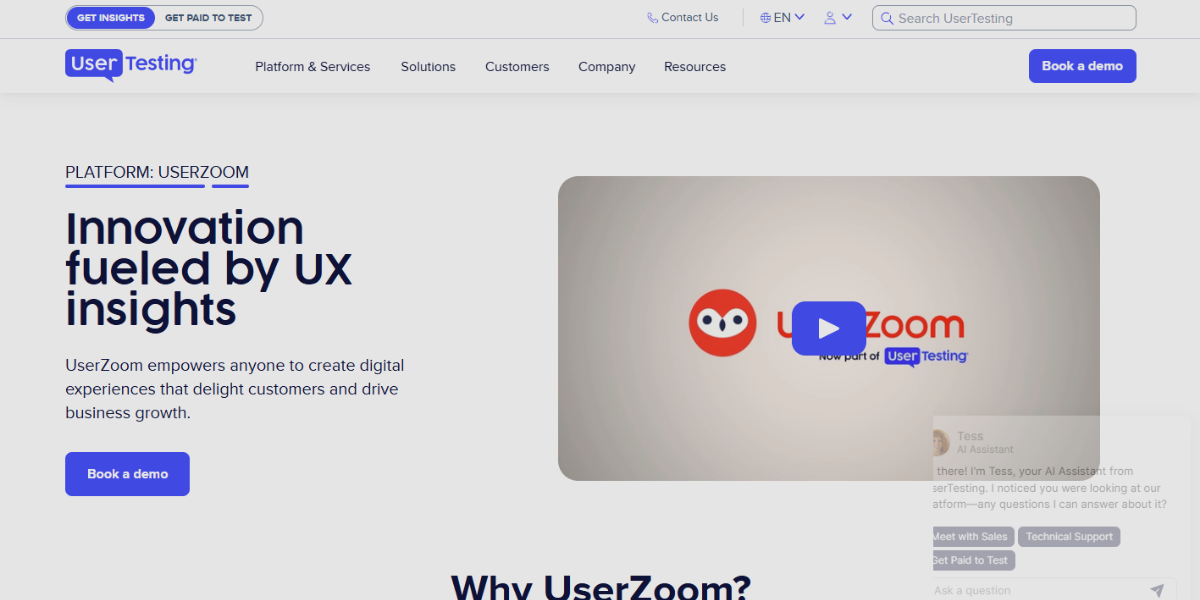
UserZoom is a UX research platform focused on collecting user feedback and validating design decisions through structured testing methods. It supports usability testing, surveys, and interaction analysis to evaluate how users navigate and engage with interfaces. It includes task-based testing, video session recordings, and quantitative analytics, allowing teams to measure user success rates, identify friction in interaction flows, and refine clickable prototypes based on real user insights.
Collaboration & Workflow Tools
Collaboration and workflow tools are platforms designed to streamline teamwork, project coordination, and communication throughout the product design and development process. They help teams organize tasks, manage feedback, share assets, and track progress across UI/UX projects, including interactive prototypes and animations. These tools ensure smooth collaboration between designers, developers, and stakeholders by centralizing workflows. improving transparency and enabling faster decision-making through structured task management and real-time communication.
59. Basecamp
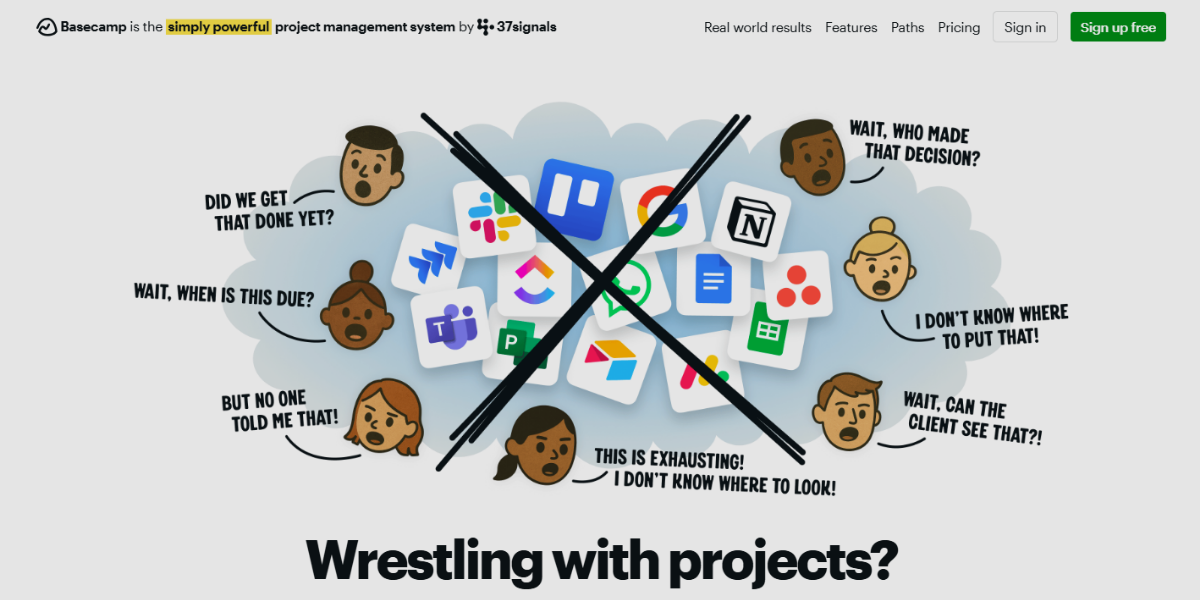
Basecamp is a team collaboration tool designed to centralize communication, tasks, and project updates in a structured workspace. It organizes projects into sections like message boards, to-do lists, schedules, and file storage, enabling design teams to manage feedback and discussions around interactive prototypes in one place. It offers real-time group chat, automatic check-ins, and centralized feedback threads, simplifying coordination, sharing clickable prototypes, and maintaining aligned communication without scattered tools.
60. Wrike
Wrike is an advanced project management platform built for handling complex workflows, timelines, and team collaboration across large-scale design projects. It provides customizable dashboards, Gantt charts, and workload views that help teams track the progress of UI/UX tasks and prototype development stages.
61. Teamwork
Teamwork is a collaboration and project management tool focused on client-based workflows, enabling teams to manage projects, communicate with stakeholders, and track deliverables in a structured way. It supports task management, time tracking, and file sharing, making it suitable for coordinating UI/UX projects involving interactive prototypes. With the client access controls, milestone tracking, and built-in billing features, it allow teams to share prototype progress, gather client feedback, and manage approvals efficiently within a single platform.
62. ProofHub
ProofHub is a project management and collaboration tool that focuses on approvals and structured feedback for creative work. It enables teams to review design files and prototypes by adding comments directly on the visuals, which streamlines the feedback and revision process. The platform features built-in proofing tools, version control, and discussion threads linked to specific assets. This makes it especially effective for refining interactive designs and animations through clear, trackable feedback cycles.
63. Airtable
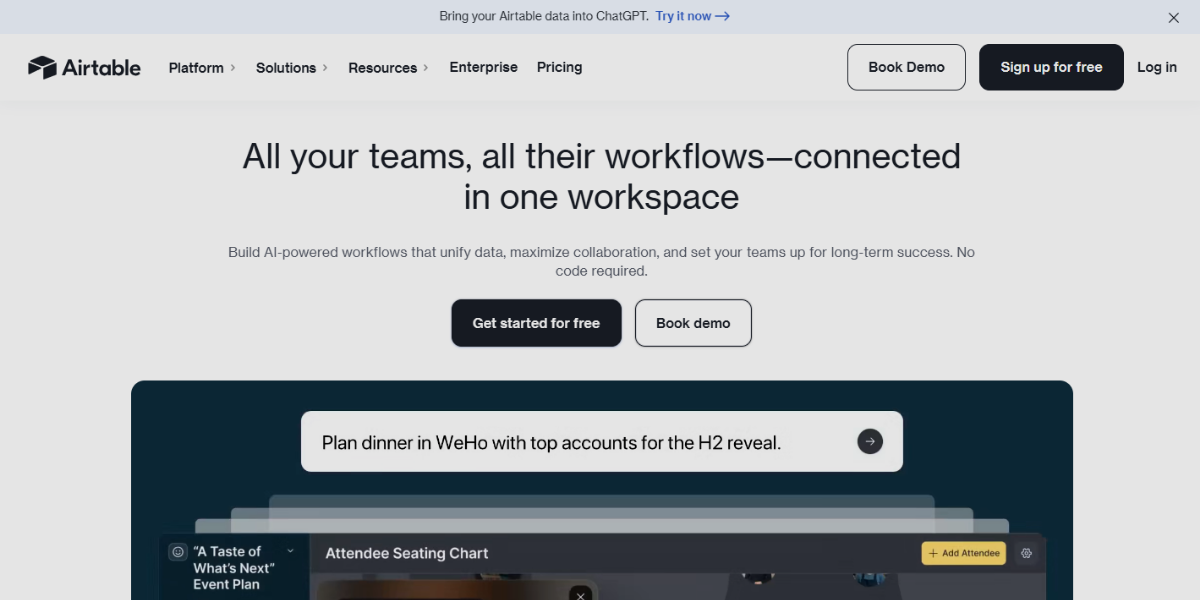
Airtable is a versatile platform combining spreadsheet and database features, allowing teams to organize, track, and manage design workflows through adaptable data structures and visual representations. Users can create custom tables for UI components, prototype versions, and interaction states, and link related data across various projects. It offers multiple views—including grid, Kanban, calendar, and gallery—and includes automation and integration capabilities that facilitate tracking prototype iterations, managing assets, and coordinating collaboration on interactive design systems.
64. Zoho Projects
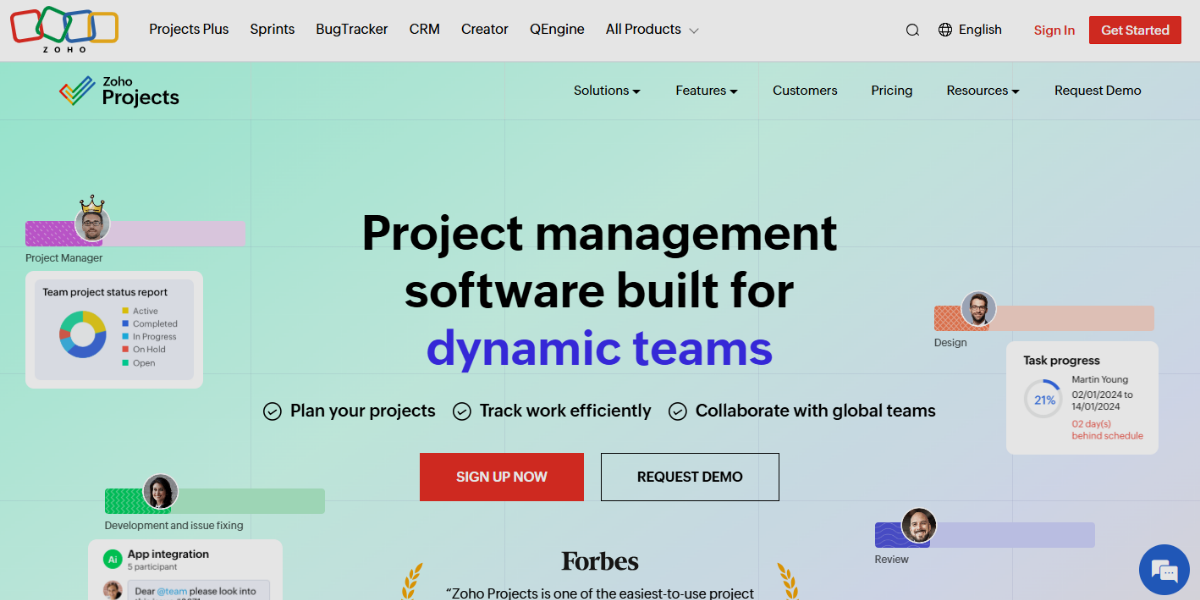
Zoho Projects is a project and team management tool designed to plan, track, and collaborate on complex workflows with structured task hierarchies and timelines. It provides features like Gantt charts, task dependencies, and milestone tracking, allowing teams to manage the full lifecycle of UI/UX projects, including interactive prototypes and animation stages. It comes with built-in issue tracking, time logging, and integration with the Zoho ecosystem, enabling teams to monitor prototype progress, manage revisions, and coordinate feedback efficiently within a centralized workspace.
65. Hive
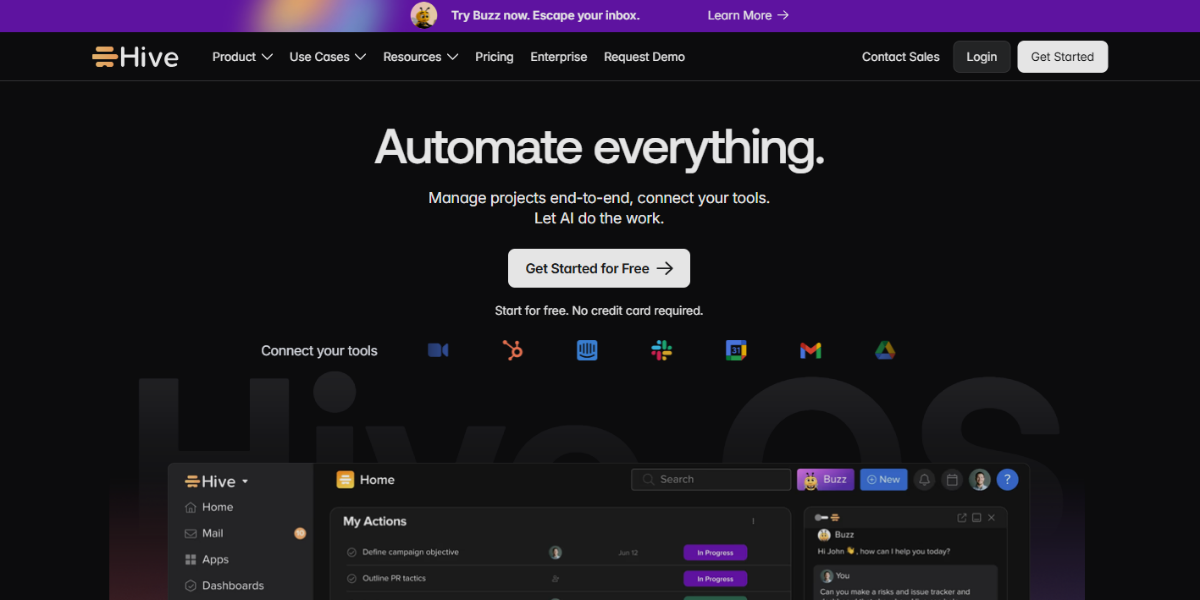
Hive is a workflow management platform focused on automation and real-time collaboration, enabling teams to streamline repetitive processes and manage dynamic project flows. It offers multiple project views, such as Kanban, Gantt, and calendar, allowing teams to visualize the progression of design tasks and interactive prototype development. Hive’s powerful workflow automation, action cards for task management, and real-time messaging help teams accelerate iteration cycles, trigger updates automatically, and maintain alignment during rapid prototyping and animation work.
66. Scoro
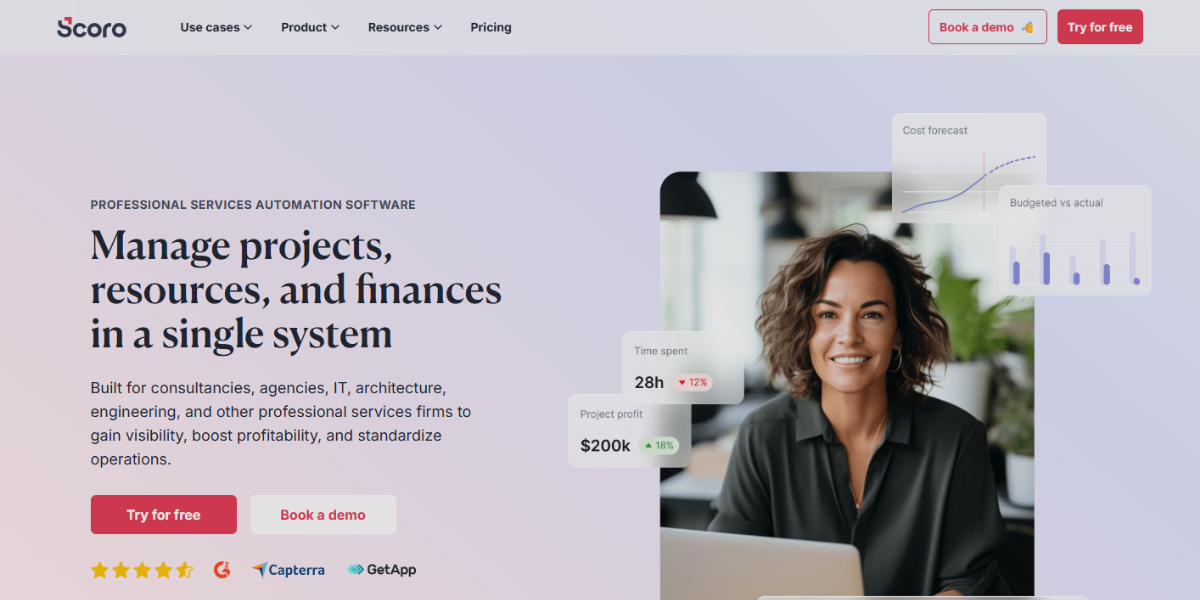
Scoro is an all-in-one business and project management platform that integrates project tracking, resource planning, and financial management. It enables teams to handle tasks, deadlines, budgets, and resource utilization while monitoring deliverables like interactive prototypes and design assets. The platform offers full workflow visibility, billing and quoting integration, and comprehensive reporting dashboards, allowing teams to oversee both creative processes and business performance. It’s ideal for managing complex UI/UX projects and animation workflows.
Performance & Optimization Tools
Performance & optimization tools are platforms for measuring, analyzing, and improving the speed, efficiency, and responsiveness of digital products, including interactive prototypes and animation-heavy interfaces. They evaluate key performance factors such as load time, rendering behavior, asset weight, and real user experience to identify bottlenecks that affect usability. These tools help designers and developers optimize front-end performance, ensure smooth interactions, and maintain fast, stable, and visually consistent user experiences across different devices and network conditions.
67. Dareboost
Dareboost is a website performance and quality analysis tool that audits loading speed, SEO, and front-end structure to identify issues affecting user experience. It analyzes factors such as asset weight, script execution, and rendering behavior, making it useful for evaluating the impact of interactive prototypes and animations on performance. It provides detailed audit reports, video capture of page loading, and actionable recommendations that help optimize animations, reduce latency, and improve responsiveness in interactive interfaces.
68. DebugBear
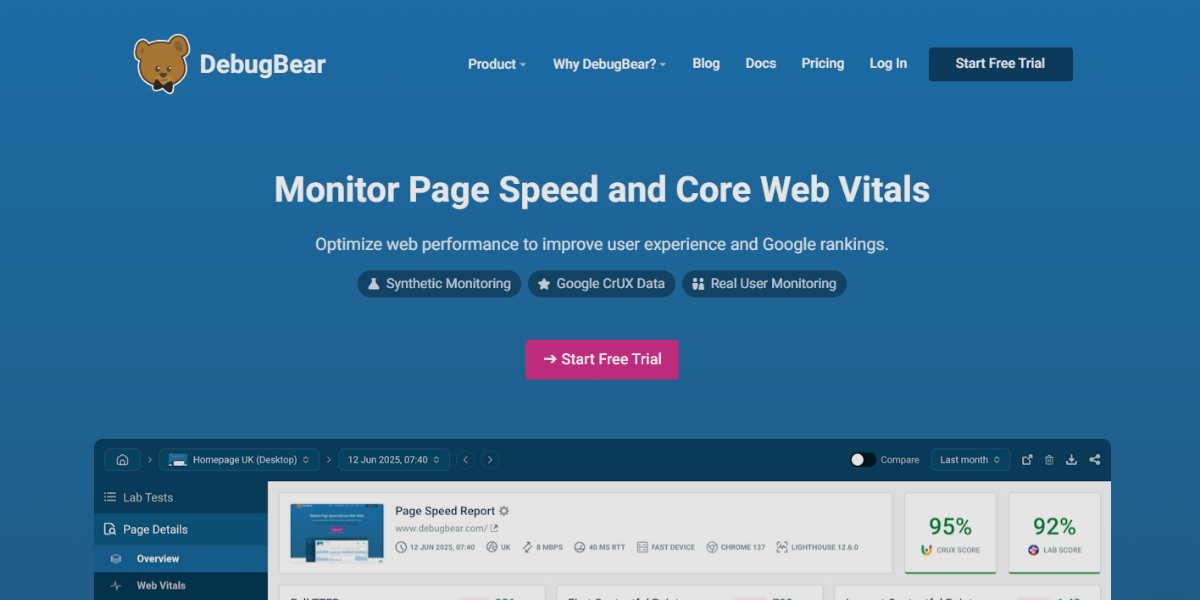
DebugBear tracks site speed using lab and real user data, offering visual insights into loading, Core Web Vitals, and animation impact. Continuous monitoring and alerts help maintain smooth, consistent performance in prototypes and products.
69. SpeedCurve
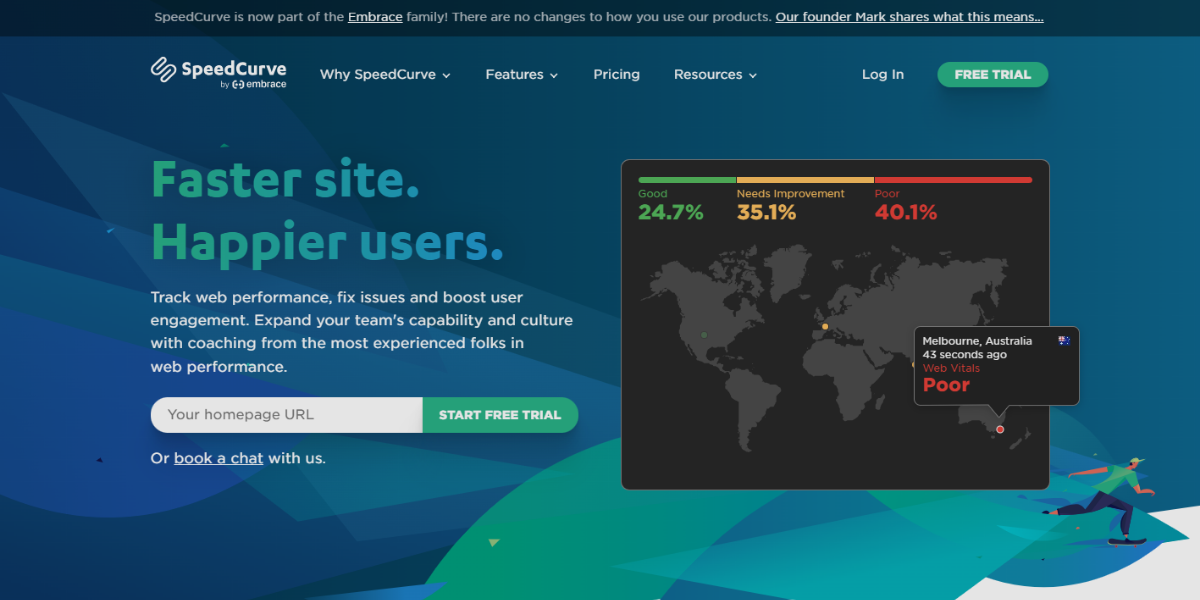
SpeedCurve is a performance monitoring platform that integrates real user monitoring with synthetic testing to evaluate how users experience website speed and responsiveness. It tracks important metrics such as page load time, interaction delays, and visual stability, which are crucial for interfaces with heavy animations. The platform helps teams set performance budgets, track visual progress, and correlate speed with user engagement, allowing for the optimization of interactive flows and ensuring that animations do not detract from usability.
70. Calibre
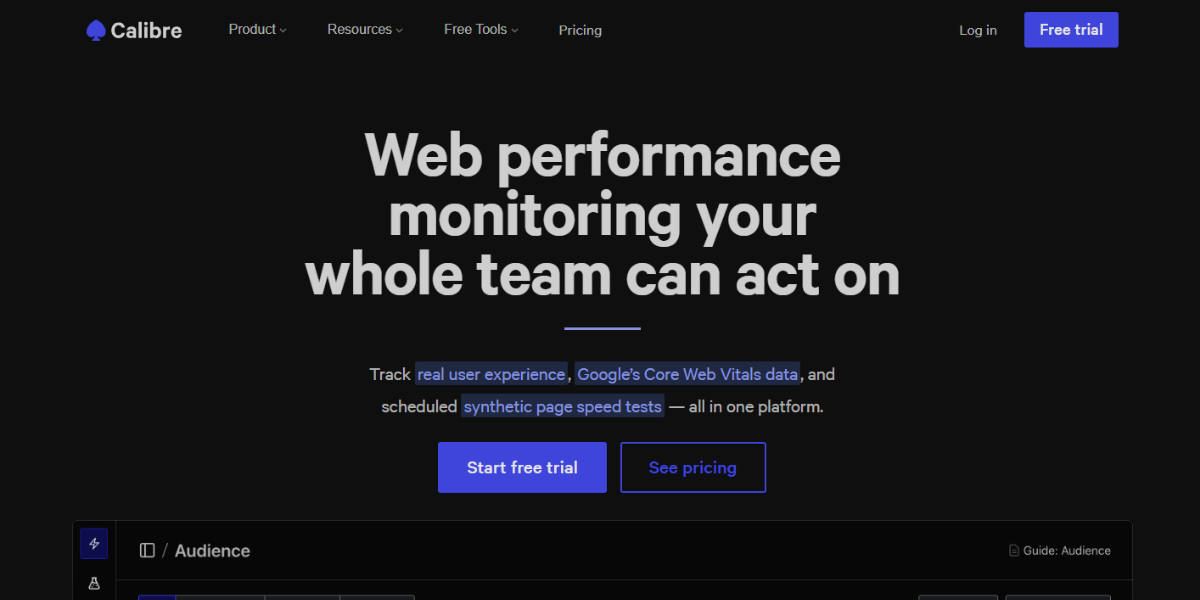
Calibre is a performance monitoring tool designed to track and optimize front-end performance through automated testing and team collaboration. It runs scheduled performance tests, compares results over time, and highlights changes that affect load speed and interaction responsiveness.
71. Yellow Lab Tools
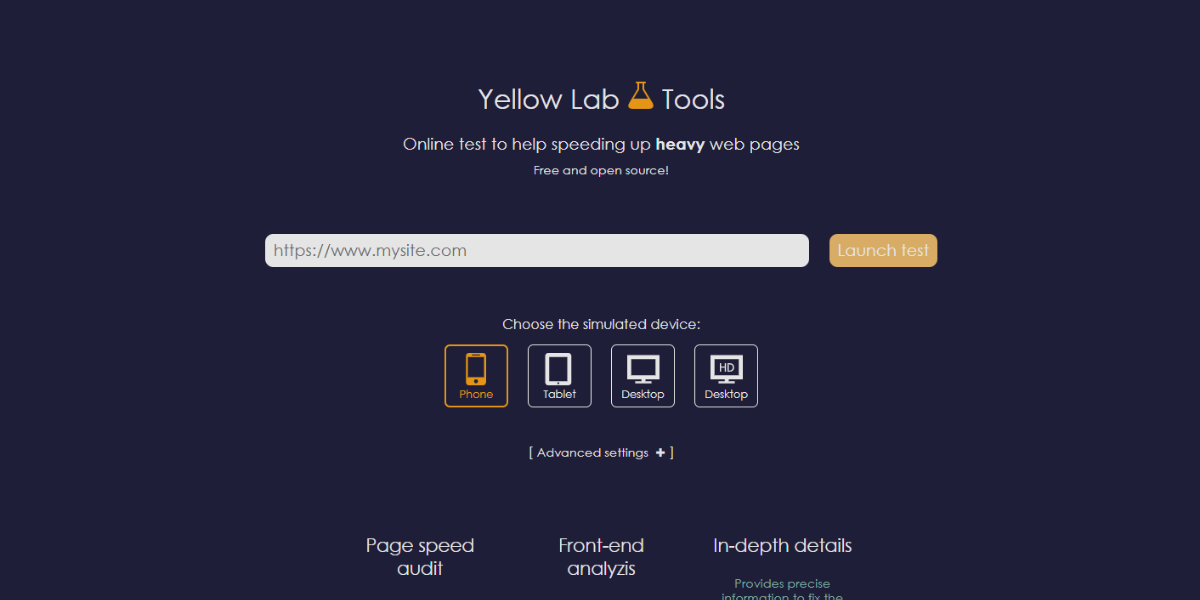
Yellow Lab Tools is a front-end performance analysis tool that evaluates code quality, page weight, and rendering efficiency to identify issues that affect speed and usability. It scans websites for problems such as heavy DOM structures, inefficient scripts, and excessive CSS, which can impact interactive behavior and animations. It includes a scoring system, detailed technical reports, and visual performance breakdowns, helping teams optimize front-end code to ensure smoother interactions and better performance in clickable prototypes.
72. Sitespeed.io
Sitespeed.io is an open-source performance testing suite designed to analyze website speed and front-end quality through automated, scriptable testing workflows. It runs audits using tools like Lighthouse and WebPageTest, generating detailed reports on load times, asset optimization, and rendering performance. Its ability to run continuous performance tests in CI/CD pipelines, compare results over time, and capture visual metrics like filmstrips makes it effective for evaluating how interactive prototypes and animations perform under real conditions.
73. Uptrends
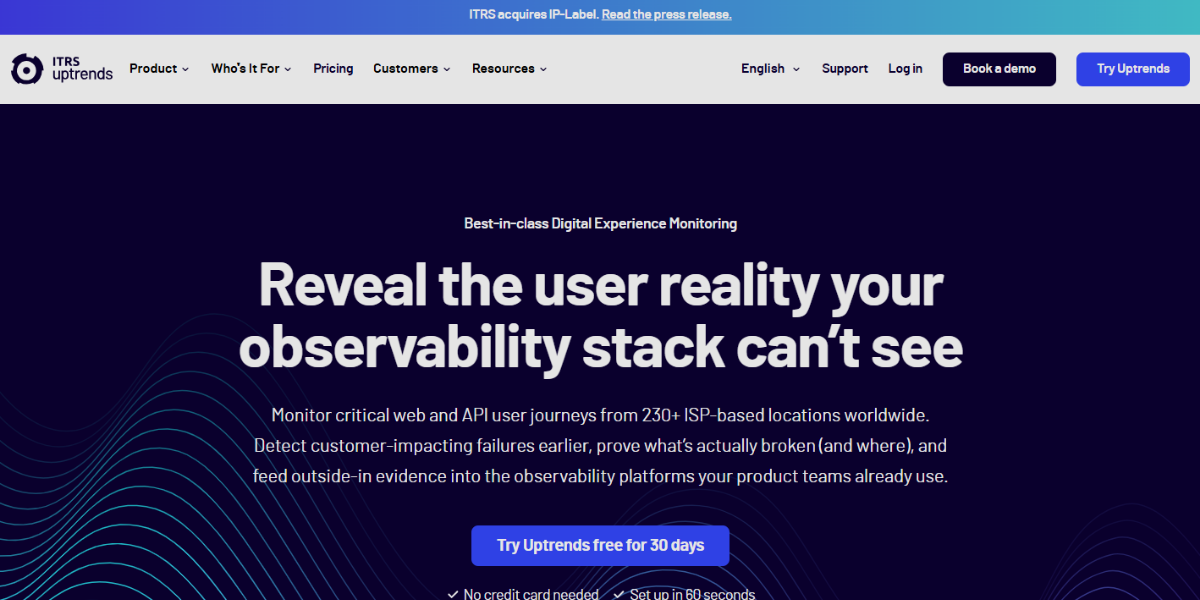
Uptrends is a monitoring platform that combines uptime tracking with detailed website speed analysis across global locations. It tests availability, load performance, and user interaction timing, helping teams understand how quickly interactive elements respond for different users. It’s real browser monitoring, transaction monitoring for multi-step user flows, and alert systems that notify teams of slowdowns or failures, ensuring clickable prototypes and live interfaces remain responsive and accessible.
74. Catchpoint
Catchpoint is a digital experience monitoring platform that tracks performance, availability, and reliability across the user journey using synthetic monitoring and real user data. It offers deep visibility into backend and frontend performance, advanced scripting to simulate user interactions, and analytics to optimize animation-heavy interfaces and complex flows.
75. GTmetrix Pro
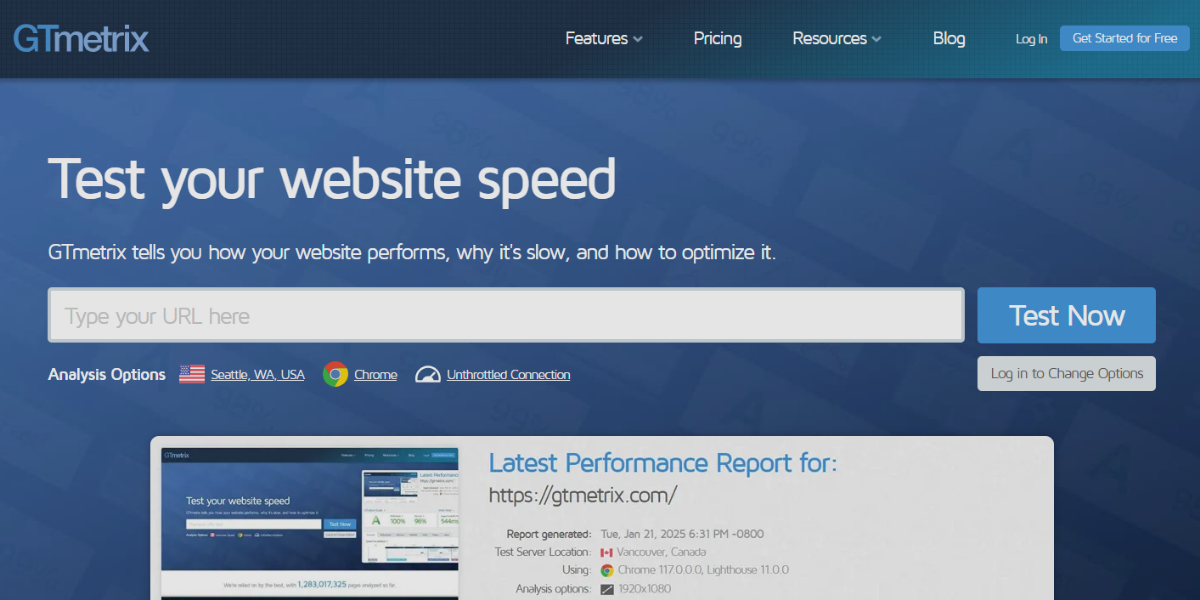
WebPage Analyzer (KeyCDN) is a performance testing tool that provides detailed breakdowns of webpage speed, asset size, and loading behavior. It analyzes elements such as scripts, images, and requests to identify bottlenecks that affect rendering and interaction speed. It’s simple yet precise reporting, waterfall charts, and optimization suggestions, making it useful for refining the performance of interactive prototypes and ensuring animations load efficiently without degrading user experience.
76. BlazeMeter
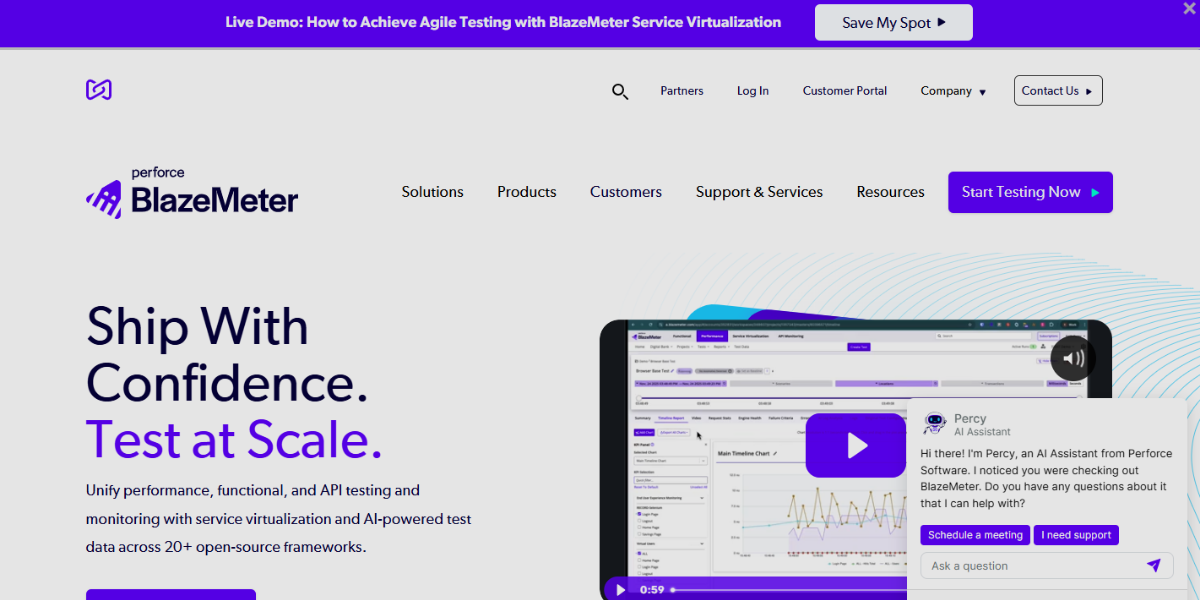
BlazeMeter is a load testing platform designed to simulate high traffic and stress-test applications to evaluate performance under heavy usage. It allows teams to create and run large-scale test scenarios that mimic real user interactions, including multi-step workflows and API calls. It stands out with support for tools like JMeter and Selenium, real-time performance reporting, and scalability testing, enabling teams to ensure that interactive prototypes and animation-rich applications remain stable and responsive under peak conditions.
Graphic & Image Tools
Graphic an image tools are software applications used for creating, editing, and enhancing visual content such as illustrations, photos, UI assets, and design elements for digital products. They support tasks like image manipulation, vector design, digital painting, and visual composition to help designers produce high-quality graphics for interfaces, branding, and interactive prototypes. These tools enable efficient visual creation of packages,icons, and logos and refinement, ensuring assets are optimized for both static designs and motion-driven or interactive experiences.
77. Procreate
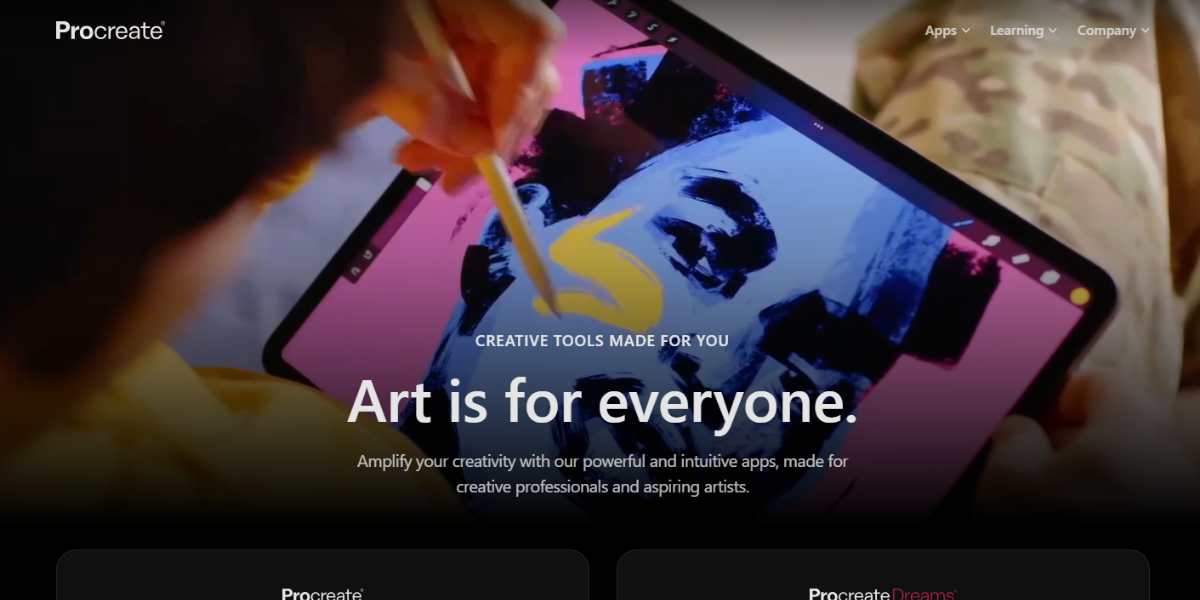
Procreate is a professional digital illustration app designed for McOs, optimized for touch and Apple Pencil workflows to create highly expressive visuals like catalogs, advertisements, booklets etc UI assets, and motion-ready illustrations. It supports advanced layer management, brush customization, and high-resolution canvases, making it suitable for designing interface elements and animated visual concepts. It’s Animation Assist for frame-by-frame animation, time-lapse recording of the entire creative process, and gesture-based controls that enable fast sketching of interactive UI ideas and motion studies.
78. GIMP
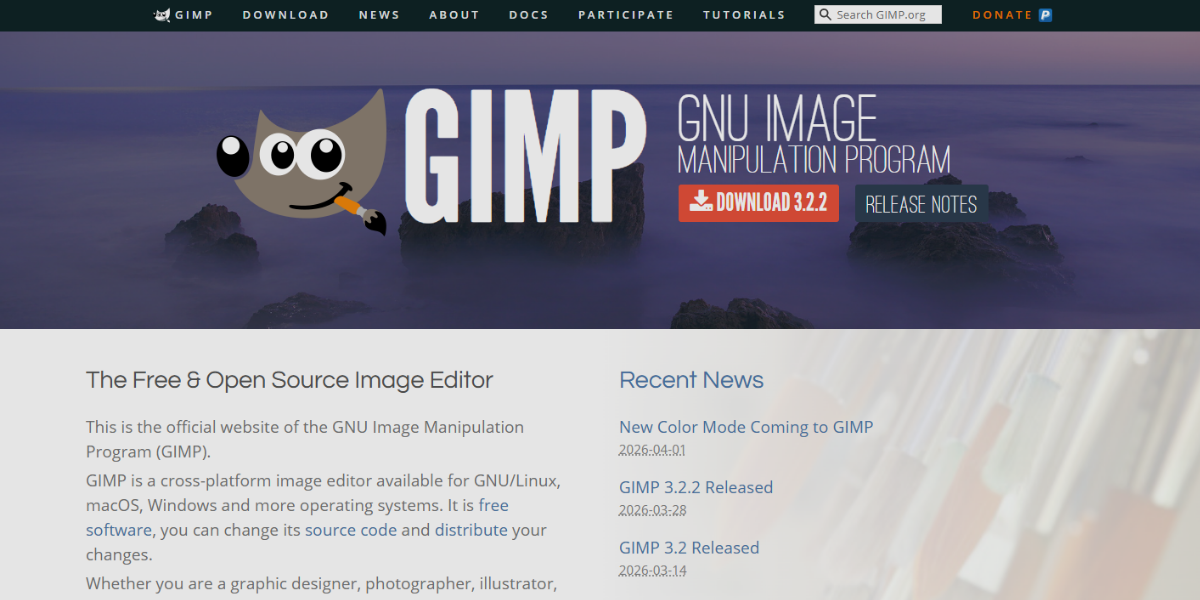
GIMP is a free and open-source image editing tool used for advanced photo manipulation, UI asset creation, and graphic design with strong customization capabilities. It supports layers, masks, filters, and scripting, allowing designers to build and modify complex visual components for interfaces and prototypes. Its extensible plugin system, advanced color correction tools, and support for automation through scripting make it effective for preparing optimized visual assets for interactive and animated design workflows.
79. Krita
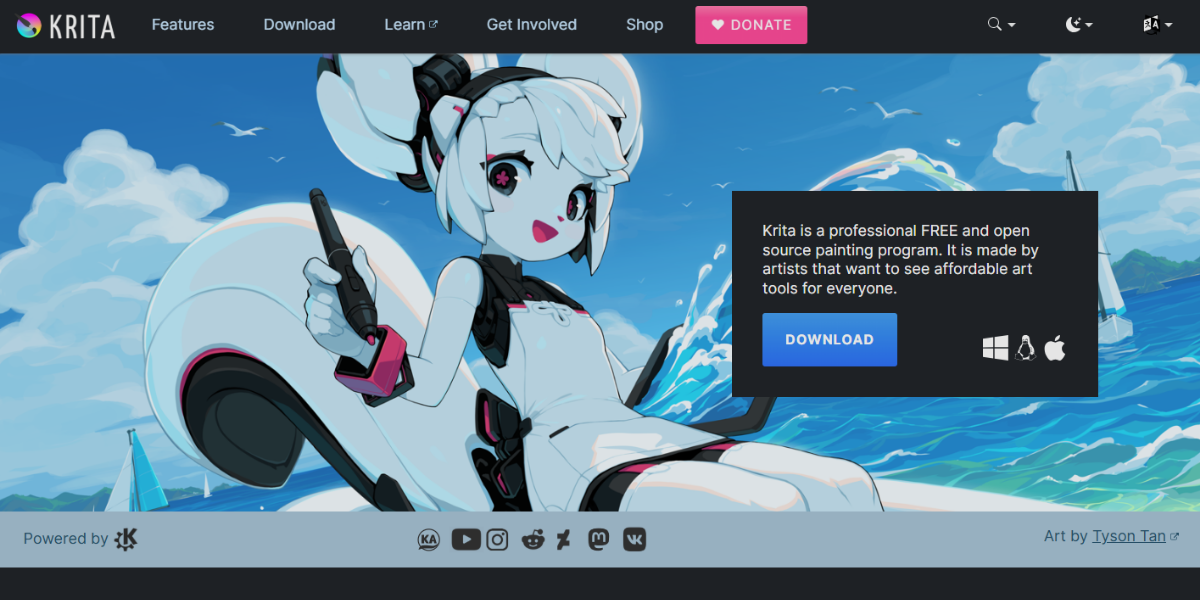
Krita is a digital painting and illustration tool for high-quality artwork and 2D animation. It features customizable brushes, layer management, stabilizers, a dedicated animation timeline, onion skinning, and frame tools. These features enable designers to create detailed artwork, UI illustrations, and smooth animated prototypes within one environment.
80. Clip Studio Paint
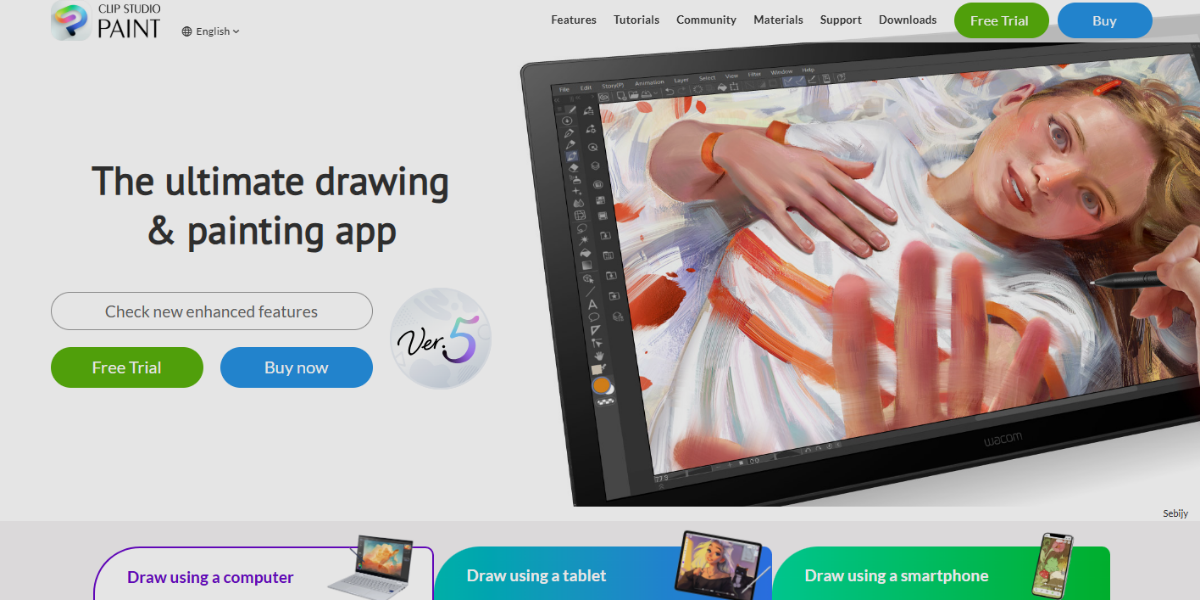
Clip Studio Paint is a professional illustration and animation software widely used for detailed drawing, comics, and motion-based visual storytelling. It supports vector layers, raster painting, and a robust animation timeline, allowing creators to design interactive-style visual flows and animated UI concepts. The software offers frame-by-frame animation tools, 3D model integration for accurate perspective, and advanced brush dynamics. These features make it a powerful option for creating expressive motion assets and prototype animations.
81. Paint.NET
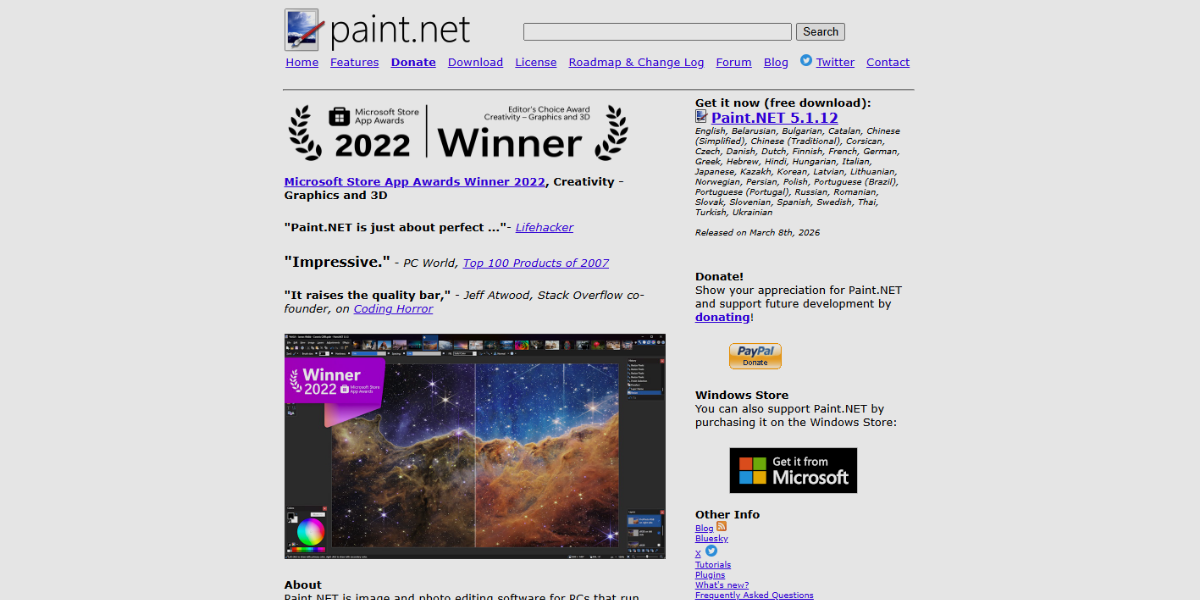
Paint.NET is a lightweight image editing tool designed for quick editing, simple compositing, and efficient visual adjustments on Windows. It provides layer support, basic effects, and plugin extensibility while maintaining a simple and fast interface.its intuitive editing workflow, low system resource usage, and plugin-driven enhancements, making it suitable for preparing UI assets and lightweight visuals used in interactive prototypes and animation workflows.
82. Corel Painter
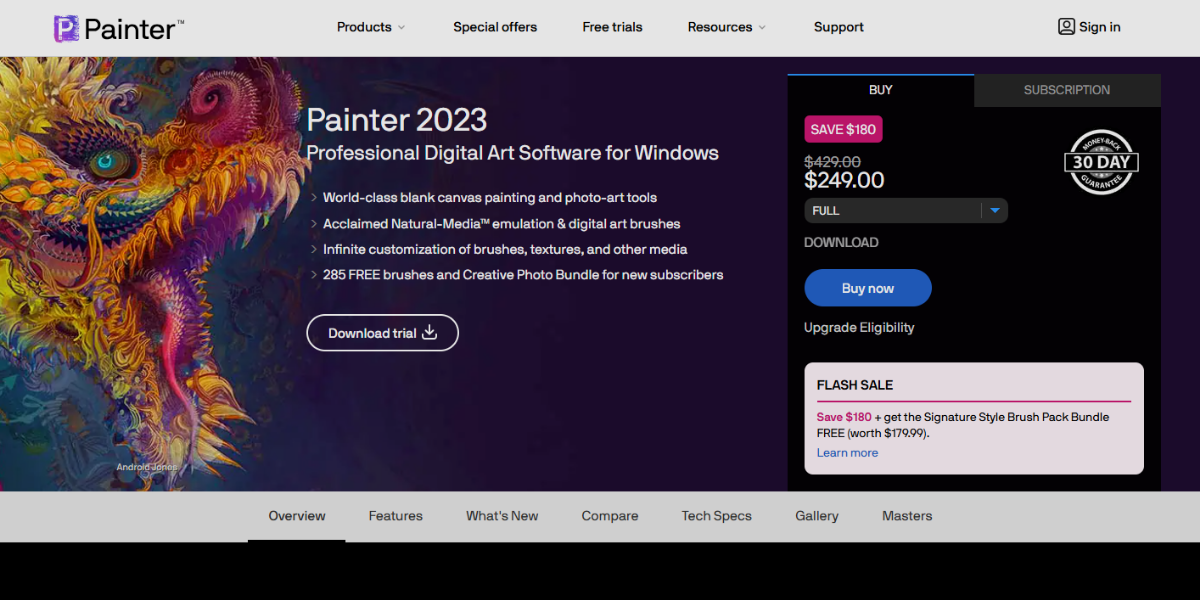
Corel Painter is a professional digital painting software designed for creating highly realistic and expressive artwork using natural media simulation, such as oils, watercolors, and pastels. It supports advanced brush engines, texture control, and layer-based composition, making it suitable for crafting detailed UI illustrations and conceptual visuals for interactive prototypes. RealBristle technology for lifelike brush behavior, customizable brush dynamics, and extensive texture blending tools, enabling designers to produce rich visual assets and motion-style illustrations for animation-driven design workflows.
83. Vectr
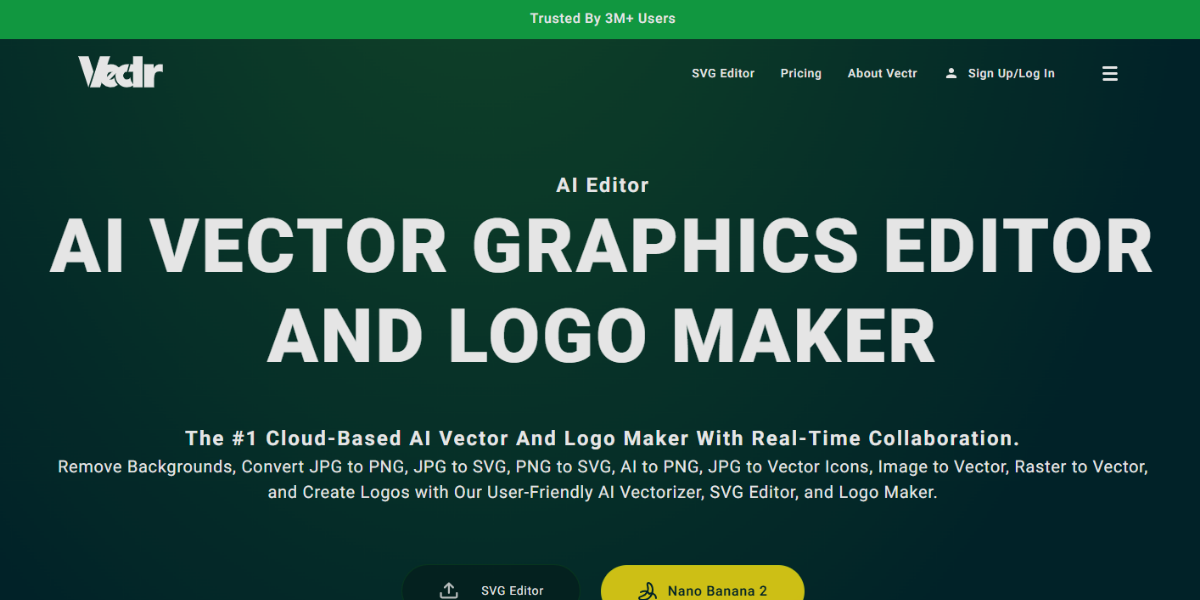
Vectr is a lightweight, browser-based vector graphics editor focused on simple, real-time collaborative design for scalable UI assets and interface components. It provides essential vector tools like shape editing, path manipulation, and layer organization, making it efficient for creating clean icons, layouts, and prototype-ready visuals. It provides a live collaboration, cross-platform accessibility, and real-time syncing, allowing teams to quickly design and iterate on visual elements used in interactive and clickable prototypes.
Conclusion
Designing modern digital products requires more than just visual creativity—it depends on selecting the right tools for each stage of the process. From wireframing and prototyping to interaction design, analytics, and performance tracking, each tool plays a specific role in shaping how users experience a product.
Using the right combination of these tools allows teams to test ideas early, refine interactions based on real data, and ensure that designs are not only visually effective but also functional and user-focused.