Photoshop Tutorial: How to Use the Refine Edge Masking Tool
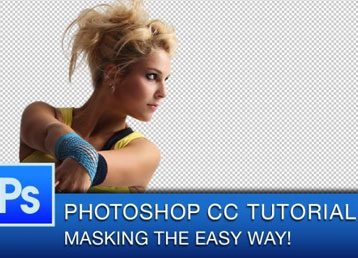
Masking and removing objects from backgrounds is one of the more difficult Photoshop skills to master, but it is also one of the most sought after skills to learn besides typing text on a path. In the more modern versions of Photoshop, the Refine Edge tools allows you to mask complex objects like hair and fur more easily, and non-destructively.
Why you should use the Refine Edge Tool
The Refine Edge Tool is able to detect the contrast and subtle tones in images that you would not be able to do with the naked eye, and it can easily reduce your workload when it comes to masking.
Graphic designers often use it in combination with the Quick Selection Tool, Brush Tool (in quick mask mode) or with the Pen Tool. Which tool you use to make the initial Selection will often depend on the subject in your image.
By using the Smart Adjustment Brush and sliders in the Refine Edge Tool dialogue, you will be able to get a much cleaner and precisely masked image that you can further adjust as needed.
In this video photoshop tutorial, I explain how to use the Refine Edge Tool to mask images.